



































Disclaimer:
Good morning, MBA readers! This time we’re featuring the Noble Spectre from Noble Audio. This product is a high-quality, stable Bluetooth transmitter. It’s a very interesting product, especially for those who use quality wireless headphones or TWS. Often, when connected to a PC, these headphones can’t connect beyond AAC or even SBC. In my case, at least my main devices support the full LDAC range. However, some older devices, though still capable of providing excellent audio sources, have somewhat obsolete technology. This accessory can effectively bridge the technological gap.
Table Of Content
However, the review will still be 100% honest and in no way biased.
I’m not an audiophile; I’m just a guy who likes to test out different IEMs and DACs and spends a lot of time listening to music.
So I’m not going to use super technical words to review it, but I will do my best to describe it.
Tech Specs
- Device Type: Bluetooth Transmitter / RF Signal Enhancer / USB-C Dongle
- Bluetooth Chipset: Qualcomm QCC5181 – BT 5.4
- Supported Audio Codecs: LDAC, aptX Adaptive, aptX, AAC, SBC
- Input Interface: USB-C (Male) – Connects to source device
- Power Interface: USB-C (Female) – Supports Pass-Through Charging
- Operational Range: Up to 10-20 meters (depending on environmental interference)
- System Compatibility: iOS (iPhone 15, 16, and newer iPads with USB-C), Android (Smartphones and Tablets), Windows OS, MacOS, Nintendo Switch (USB Audio support)
- Supported Profiles: A2DP, AVRCP, HFP (Supports calls and media controls)
- Audio Sampling: Supports Hi-Res transmission up to 24-bit/96kHz (dependent on codec and receiver)
- Indicators: LED status light for connection and codec identification
Packaging:
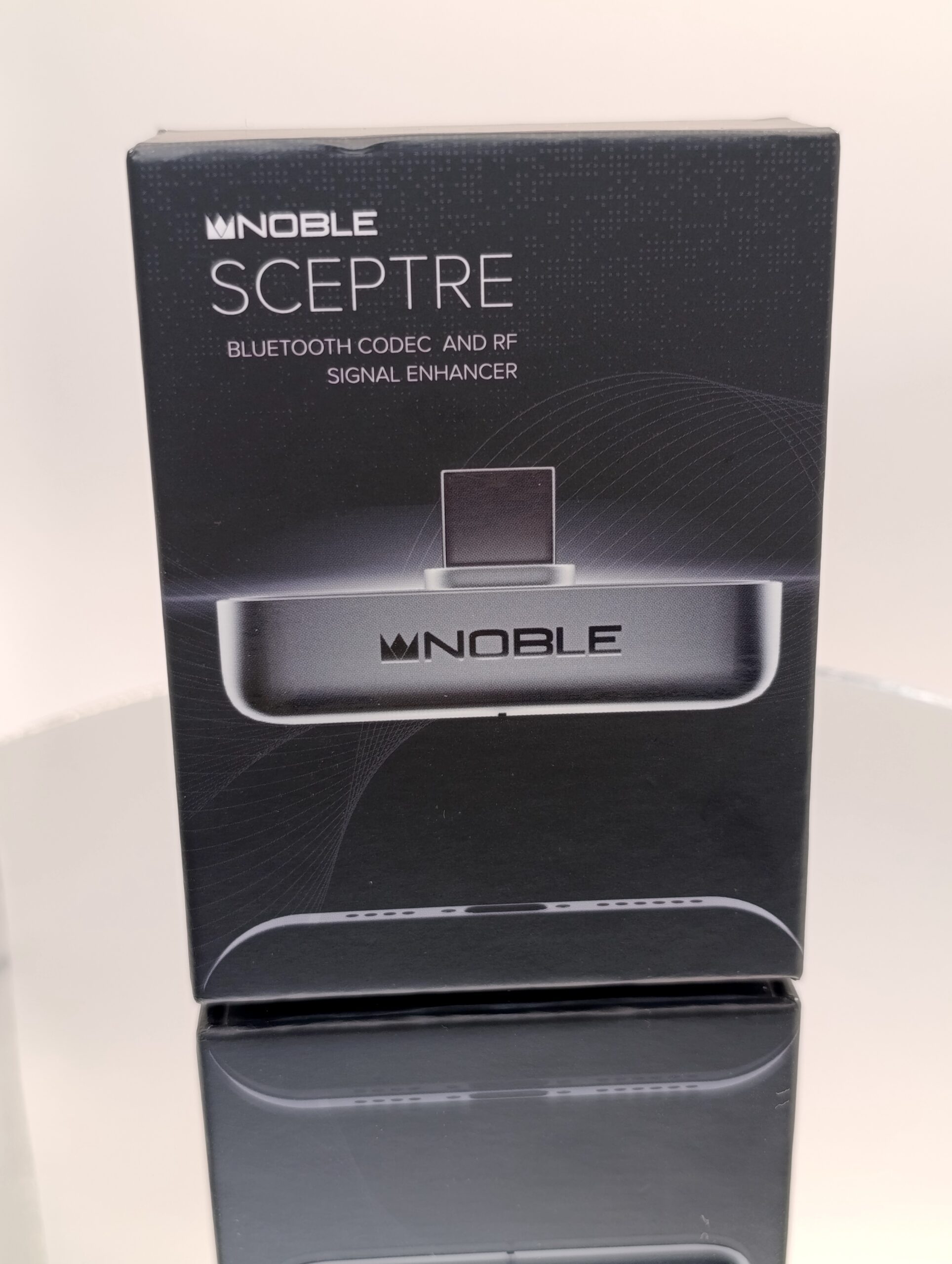
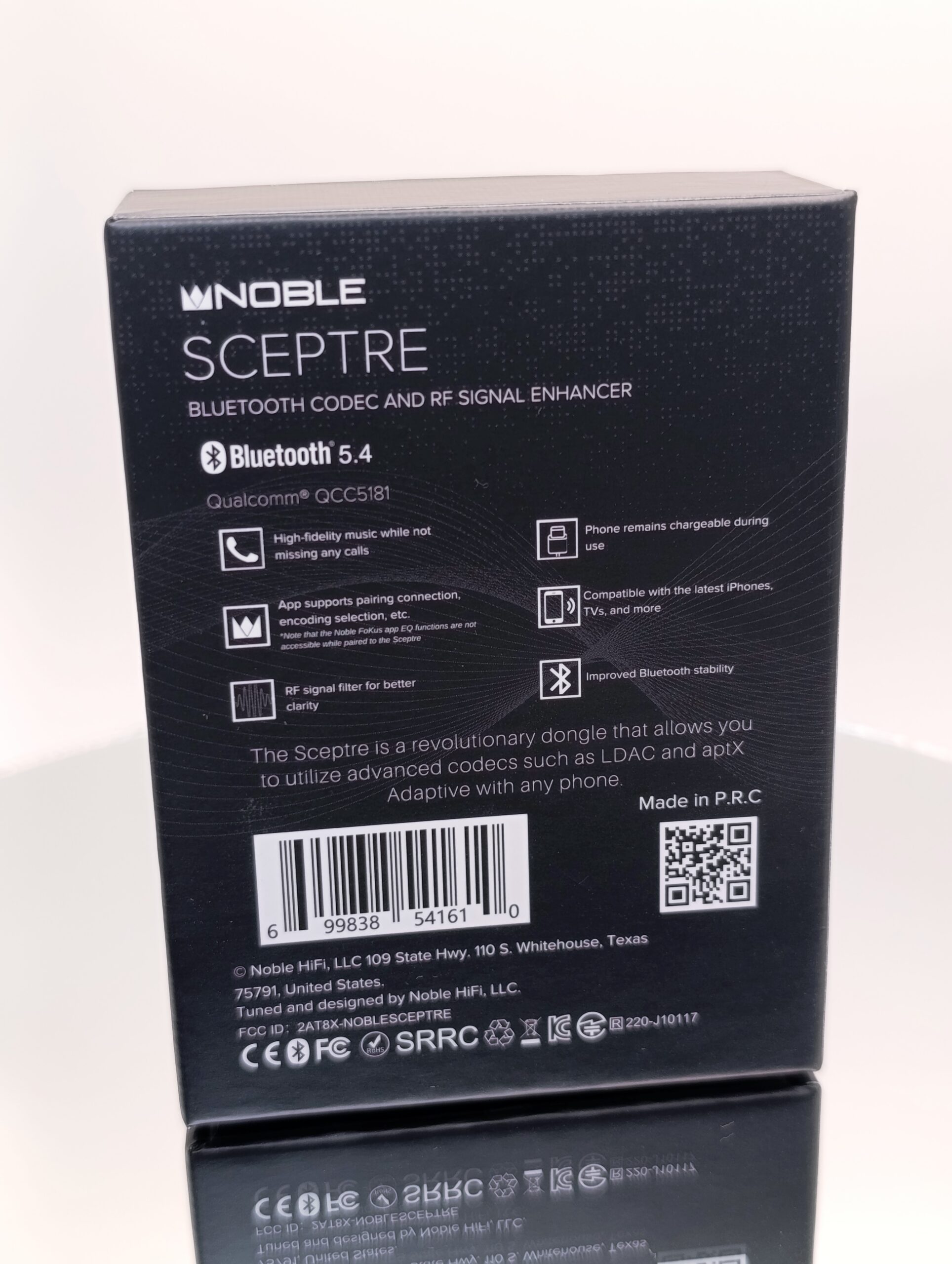
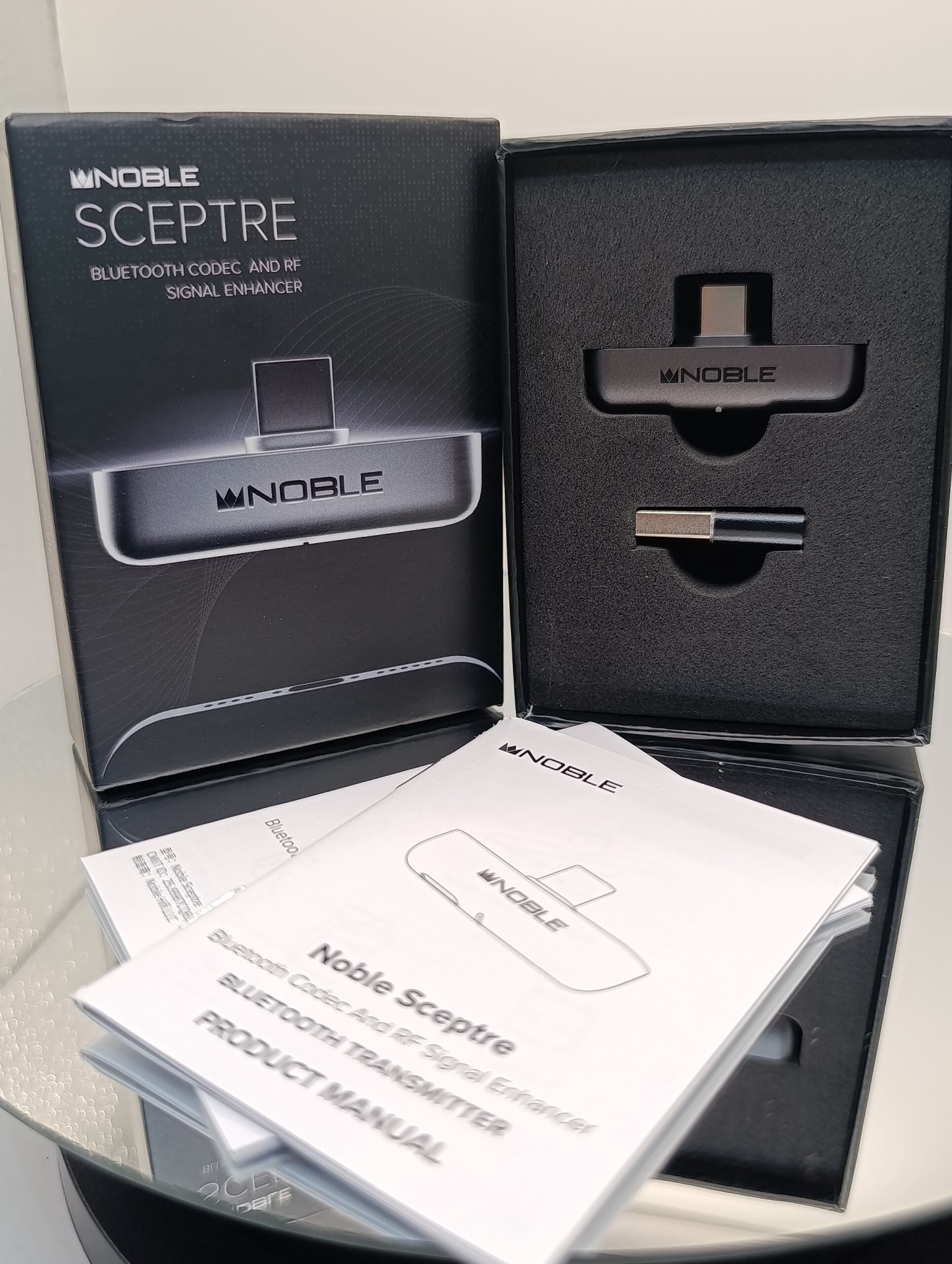
The Noble Spectre’s packaging is minimal but contains everything you need to use it with any device.
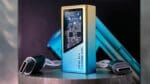
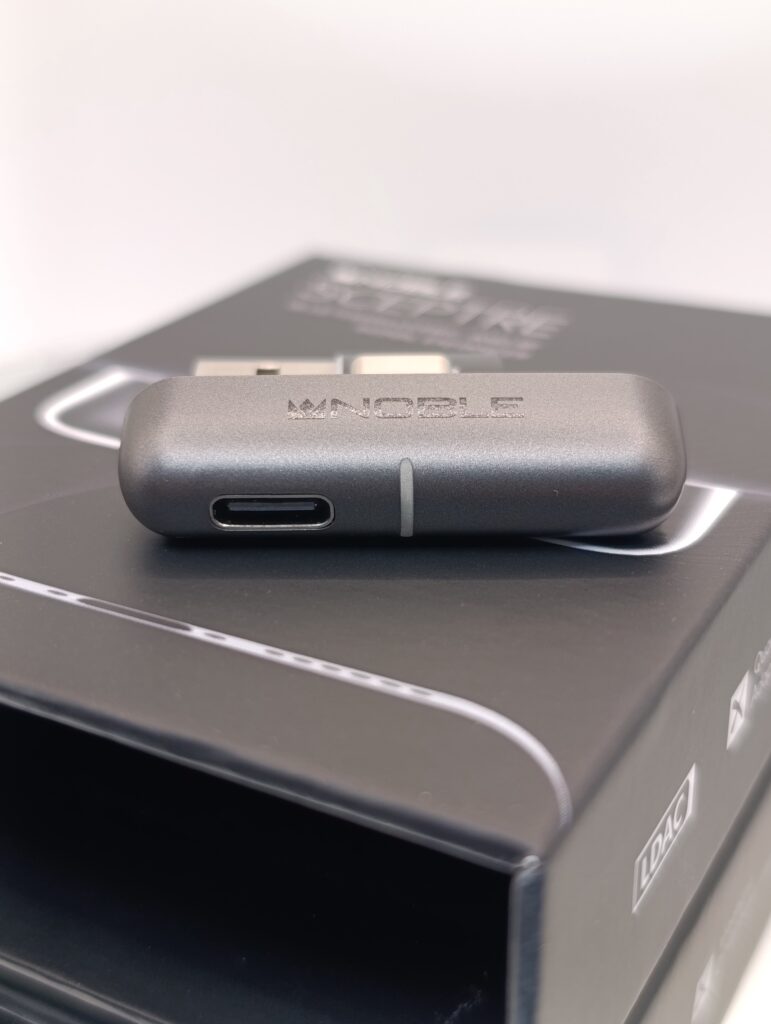
Once opened, we have the dongle and USB adapter.
Nothing else is needed.
Design/Build quality:

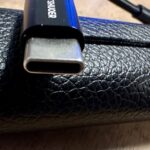
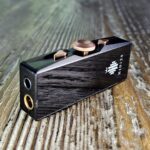
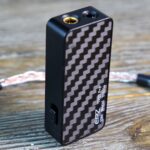
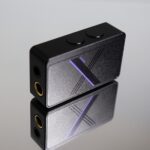
The Noble Spectre isn’t made of metal or anything else (which would compromise the signal), but the materials and workmanship are top-quality. What’s immediately noticeable is how they’ve minimized the size and meticulously designed everything. The Type-C male connector is extended so it can be used even with thicker cases, and on the left side, there’s a Type-C port for simultaneously charging your smartphone, making the dongle a great one to keep plugged in if you want. In the middle, a small status LED indicates the dongle’s status and the codec used. Overall, this is a device designed primarily for smartphone use, especially iOS, which, as you well know, has several codec limitations. This device literally frees it from these constraints, making it suitable for other audio devices outside the Apple ecosystem.
Built-in Technology :
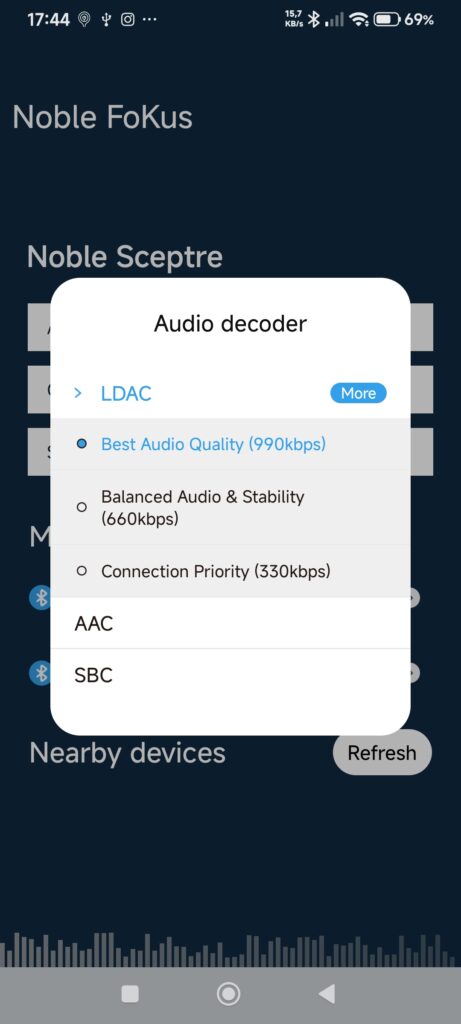
Inside we find a Qualcomm QCC5181 chip with 5.4 specification that supports all the most popular codecs from the lowest to the most complete, with a very high bitrate of 990kbps. However, I would like to open my personal reflection on this: even if the transceiver pushes very high bitrates, it does not mean that the TWS receiver is set to the same or that it can handle such a high load.
Noble FoKus APP:
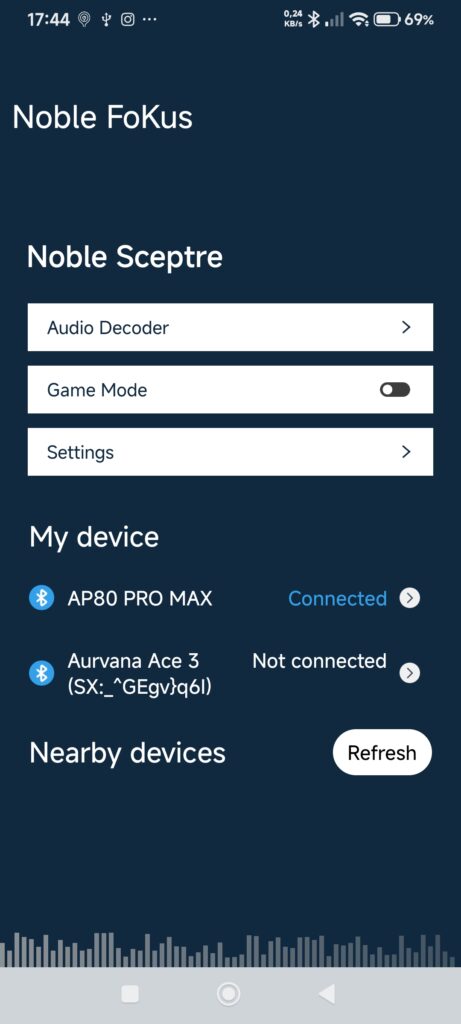
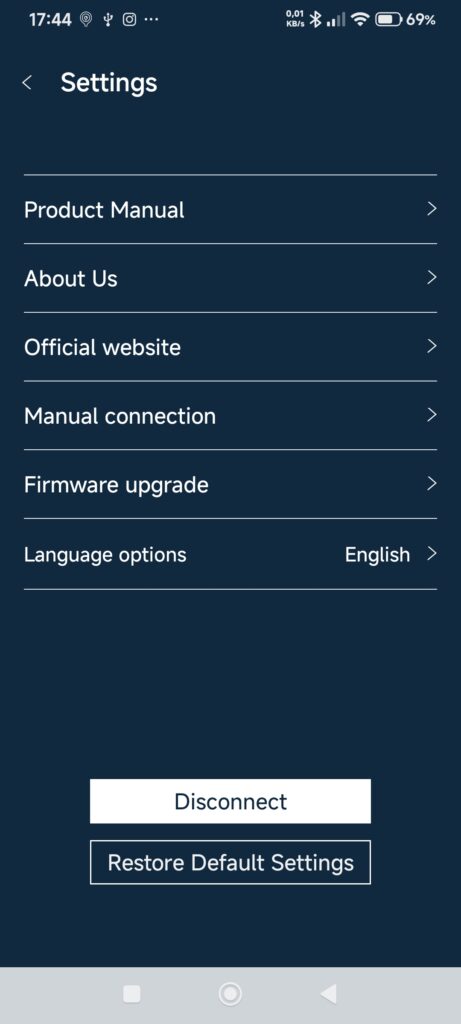
The presence of an app makes this transmitter dongle slightly above average in terms of managing some settings and updates. Below are some screenshots.
Initial impression:
As a longtime iPod user since 2009, and perhaps one of the few to have purchased albums and songs from iTunes, I transferred my old collection of files to the device, which played everything except the album covers. It’s an entry-level hi-fi player, so we could even say that, after several products, it’s a sort of iPod Touch brought to 2026, undoubtedly on steroids in terms of audio and technical features, but slightly less refined in terms of graphics. However, the usability options are truly vast compared to the past, and it can interface with practically any device.
More than first impressions on the audio side, it would be more accurate to talk about the user experience, and initially, it wasn’t super fluid. Although the menus are minimal, some settings are truly overwhelming, and there’s no preset to recommend in particular; instead, it should be adjusted based on your usage and setup.
Speaking of sound, the dongle sounds impeccable with a neutral yet customizable profile, but if necessary, you can use other chips simply by connecting a new dongle to the Hidizs AP80 Pro Max’s Type-C port.
Paradoxically, it would have been excellent to also have dual Type-C ports to allow for even more connections and simultaneous charging.
Equipment used for testing:
Device:
- Mac Mini
- Redmi Note 14 Pro 4G
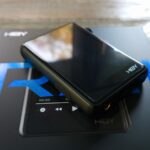
- Hidizs AP80 Pro Max
Software:
- Amazon music UHD 24bit 96khz (Both)
TWS & Wireless:
Sound/Signal Enhancer:
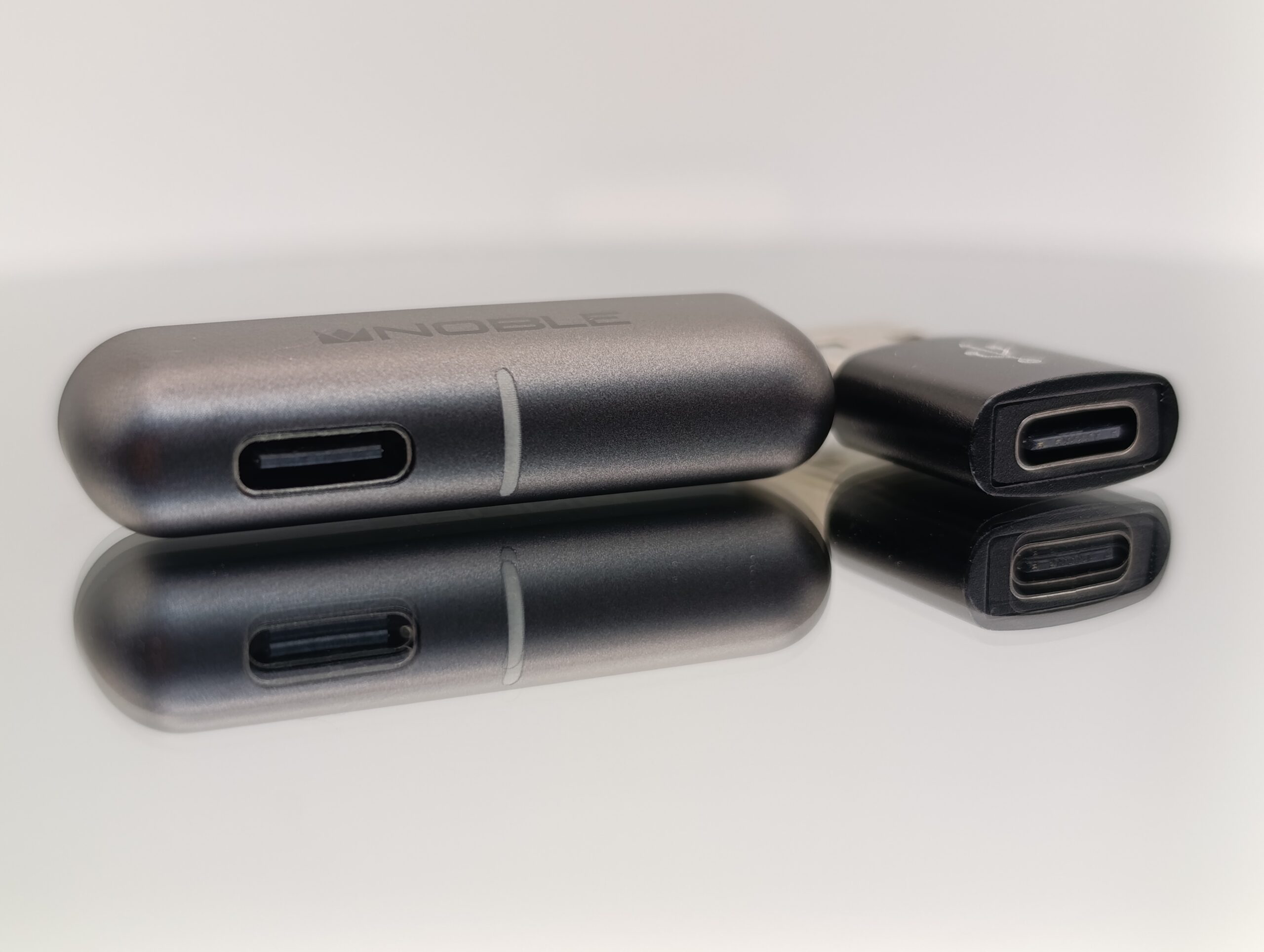
The biggest differences are noticeable when you connect it to a device that isn’t designed for wireless audio streaming, in which case the difference is abysmal. Just think of my 2012 Mac Mini, for example, which at best could only stream in SBC at the lowest quality and bit rate, but by connecting this device, I can connect my Creative Aurvana Ace 2 or 3 using LDAC and even their microphones for a possible meeting.
The improvement on my Redmi Note 14 Pro 4G, however, is less noticeable; it already supports all BT codecs, and the quality and stability are more or less good, even if the range seems better with the Noble Spectre. For this reason, I believe it’s a device created primarily with iOS in mind, but it could also find application in the PlayStation or Nintendo world, and even more so in the PC world, where the integrated graphics standards are often not top-notch.
Plus, using it with my Mac, I also have complete control of tracks and volume through the TWS, a nice feature.
Final Impressions:
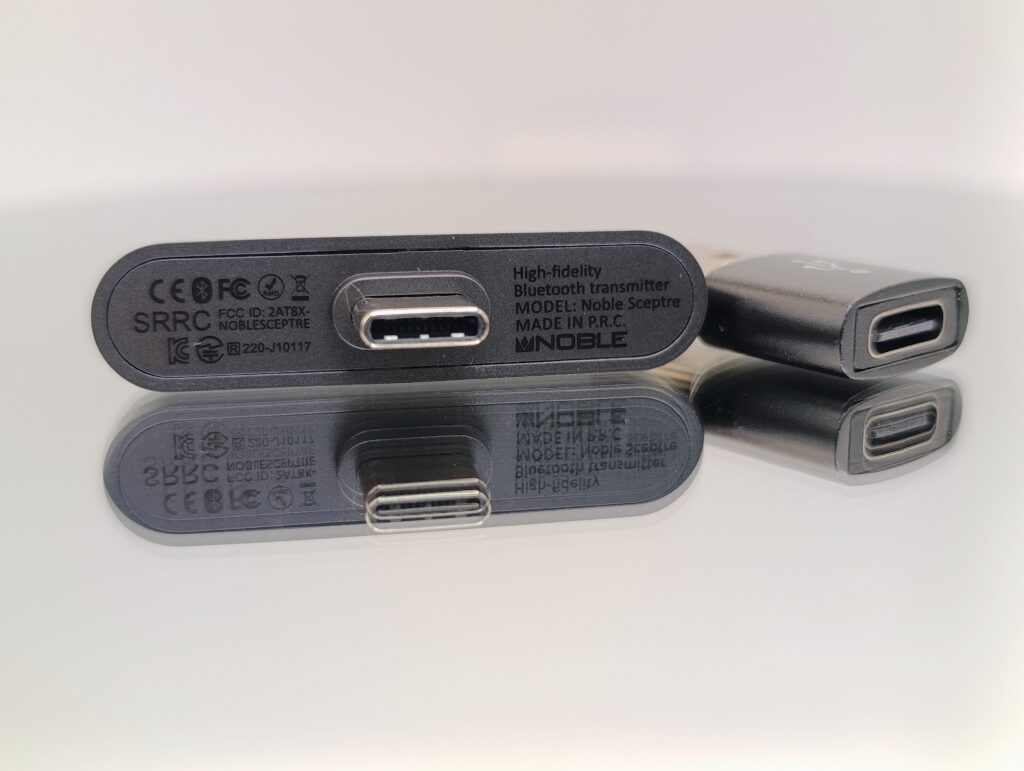
Since this is a less elaborate audio product, the review is over quickly, but I’ve had the product for several weeks, allowing for a much longer and more thorough test than usual.
The app is essential, as it’s used to register the TWS or devices you intend to transmit to, but after that, you can easily leave the app alone. Therefore, the initial setup must be done via a smartphone, but it can then work anywhere.
As a transmitter, it’s certainly not the cheapest, costing around $70, but its stability still makes it highly recommended for anyone looking for a similar product. The presence or absence of a cable is further reducing its gap, as wireless quality is now also arriving and, in some cases, has already reached the limit of human hearing.
Conclusion:
The Noble Spectre is an excellent accessory especially for those who use Apple products, but it can also be used in other areas and in my case on the PC it is really very useful for being able to test and review TWS or wireless headphones without the distractions that the smartphone brings or small lags due to apps that wake up and notify you of unimportant things. The important thing is that you understand that not only the bitrate of the transmitter is important, but also that of the receiver. Maybe not all TWS that support LDAC can go into “performance” mode, but they are in balanced mode for a smoother transmission.
So far, the most lethal combination has been connecting it to the Hidizs AP80 Pro Max, essentially removing the power limitations of TWS and allowing me to push ahead and continue my reviews and tests without being tied to my desk. However, like all things that are too good to handle, the controls on the DAP don’t control the tracks. Overall, it’s a device I’ll keep permanently connected to my PC.
8.5/10
Pros:
- Good Build Quality
- Super Small
- Improved audio stability and range
- Wide Codec Compatibility
- APP controls
- You can charge your device while using it
- Not energy hungry
- Great on PC or Mac
Cons:
- Not really needed on every modern device
- Bitrates sometimes depend more on the final TWS/Headphones chip
- Buttons on the receiver aren’t working for all the devices (like Hidizs AP80 Pro MAX)
Q/A:
Who is the Noble Spectre for?
The Noble Spectre, in my opinion, was created for iPhone users, but it can easily be used by anyone, given its vast compatibility.
Who should avoid the Noble Spectre?
If you plan to use it only with smartphones, then the point of a similar product might be just a slight increase in stability and signal, so, for example, on my Redmi Note 14 Pro 4G, the sound is already good, and it supports LDAC even without an external dongle.
Similar alternatives to consider?
I’ve tried similar products in the past. They’re more like poorly executed clones, lack decent app management, and run haphazardly with poor stability. It’s up to you to experiment.
More Information (No Affiliations):




No Comment! Be the first one.