






























































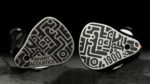




I wanted to write this The Complete Personal Audio Buying Guide for a very specific reason: so you never have to ask a stranger on the internet whether a headphone is “good” for you again. That question, while completely understandable, is almost impossible to answer correctly for someone else — and by the end of this, you’ll understand why.
Table Of Content
- Reading a Frequency Response Graph
- Putting the Graph to Practical Use
- Driver Technology
- Headphone Form Factors
- A Few Concepts Worth Knowing
- Common signatures include
- A few terms worth understanding here
- Ergonomics: The Overlooked Variable
- Active Noise Cancellation
- What to Actually Do With All of This
- Frequently Asked Questions
- What is the difference between IEM and headphone?
- How much should I spend on my first pair of IEMs?
- What does impedance mean for headphones, and does it matter?
- What is a DAC and do I need one?
- What is soundstage in headphones?
- Is a balanced cable worth buying for my IEM?
- What driver types are used in IEMs, and which is best?
- How do I choose between open-back and closed-back headphones?
I’m not going to start from the physics of sound and bore you into closing the tab. But skipping the fundamentals entirely would just leave us back at square one. So I’ll cover what actually matters, in an order that makes sense, and you can decide how deep you want to go.
For those of you who genuinely cannot sit through a long read — here’s the short version:
TLDR: Go to squig.link, search for any headphone you’re considering, and overlay the Harman target. If the measured line follows the target reasonably well, it’s probably a decent headphone. That’s it.
If you’re still here, let’s get into it properly.
What You’re Actually Trying to Solve
There are three things worth understanding before spending a single dollar: what you want, what you need, and what you already have. Those sound like the same question asked three ways, but they’re not.
Audio gear is produced by machines and measured by instruments — but it’s perceived by human ears that are completely unique to each individual. Your hearing range, your ear canal shape, your sensitivity to certain frequencies, even your age — all of these influence how a headphone sounds to you specifically. Someone else’s glowing review of a headphone is genuine, but it’s not necessarily a preview of your experience.
Sound, in practical terms, is vibrating air.
Headphones create that vibration artificially. The best ones do it so convincingly that the gap between “reproduced” and “real” becomes imperceptible. That’s really what we’re chasing — not specs on paper, not brand names, but a reproduction that’s convincing enough to stop mattering.
The human ear, generally speaking, handles frequencies from about 20Hz to 20,000Hz. In terms of volume, most people can tolerate up to roughly 137dB before things get dangerous — though sustained exposure at much lower levels will damage hearing over time. Both of those ranges also shift with age. Someone in their twenties might perceive 19Hz to 19,800Hz without much effort. Someone thirty years older may be working with something closer to 40Hz to 17,500Hz. That compression at both ends affects what sounds “full” or “detailed” to different listeners, and it’s worth factoring in when you read reviews from people with very different listening histories than yours.
Reading a Frequency Response Graph
This is the most useful skill you can develop when buying headphones. A frequency response graph shows you how a headphone performs across the audible spectrum before you ever put it on your head.
The horizontal axis is frequency — left side is bass, right side is treble. The vertical axis is output level in decibels. A relatively flat line means the headphone reproduces that range at consistent volume. A peak means it’s louder there than elsewhere. A dip means the opposite.
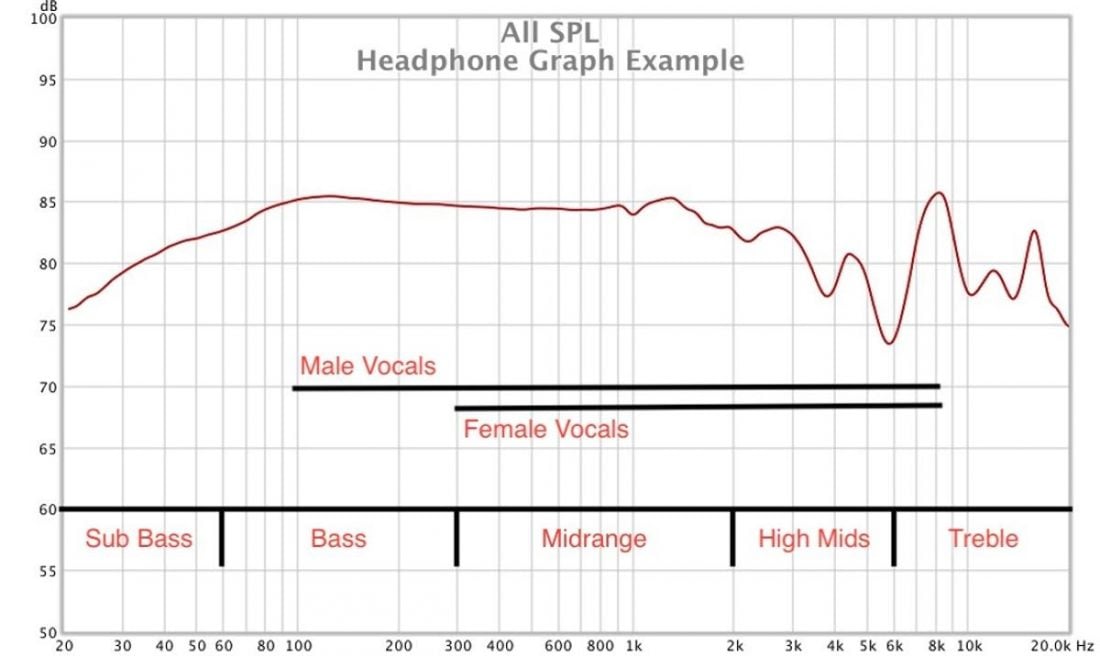
The comparison tool I mentioned above — squig.link — lets you overlay a “reference target” on top of any headphone’s measured curve. A reference target is an averaged line that represents what a well-balanced headphone tends to sound like to most listeners. It’s not a ceiling or a law; it’s a calibrated midpoint. Harman is the most widely used consumer-facing target, developed from large-scale preference testing. Noiseworks is arguably more useful if you’re aiming for a more neutral, accurate result.
Now let’s talk about what each part of the frequency range actually does.
20Hz to 80Hz — Sub-bass
This is where physical sensation lives more than musical information. The deep rumble of an engine, the sustained drone under an EDM drop, the low-end pressure you feel in a movie theater — that’s all sub-bass. Most recorded music has this range attenuated deliberately during mastering, because too much of it swamps everything above it. A headphone that overemphasizes sub-bass will sound muddy and lose definition in the midrange.
80Hz to 300Hz — Mid-bass
This is what most people picture when they say they want “more bass.” The kick drum punch, the weight of a bass guitar, the low body of a cello — this is all mid-bass territory. It’s more dynamic and rhythmically present than sub-bass. Elevating this range adds warmth and energy. Overdoing it creates a thick, congested sound where instruments start bleeding into each other.
300Hz to 1kHz — Upper bass / lower midrange
Less talked about, but surprisingly important. This band doesn’t announce itself loudly — it operates more like a tonal foundation. Pull it down and the sound gets leaner and more clinical, but also cleaner. Push it up and things start to feel warmer, denser, almost woolly in excess. The micro-details that give vocals and acoustic instruments texture — the slight swallow before a line, the wood of a guitar body resonating — live in this range. V-shaped headphones (more on that below) often scoop here intentionally to create contrast, and the tradeoff is usually worth understanding before you chase that signature.
1kHz to 4kHz — Midrange
If any band could claim to be the center of the headphone experience, it’s this one. This is where human voices live, where melody clarity comes from, where instruments like trumpet and electric guitar have their core character. Too much energy here and vocals start to sound strained, almost shouted — fatiguing quickly. Too little and they recede into the mix, losing presence and articulation. Pop and hip-hop listeners care about this region enormously because the vocal is usually the whole point of those genres. Getting this range right is the difference between a vocalist that sounds like they’re singing to you versus one that sounds like they’re in another room.
4kHz to 6kHz — Presence
“Presence” is actually a common term in mixing, and it translates well here. This range controls how close or immediate the sound feels. Elevated presence makes music feel like it’s leaning toward you — detailed, forward, articulate. Too much and metallic, sharp qualities creep in, especially on vocals with hard consonants. Reduce it and the sound softens and recedes, becoming more relaxed but also less resolving. The transition between guitar notes, the attack of a brass instrument, the clarity of a vocal phrase — all of this lives here.
6kHz to 8kHz — Lower treble / “sibilance zone”
This range is where long listening sessions start to erode. Excess energy here causes the “s” and “t” sounds in vocals to become harsh and glassy — a phenomenon called sibilance, and once you can hear it, you can’t unhear it. Cymbals become grating. Reverb tails get unpleasant. But reduce this range too aggressively and music loses its edge, starting to sound dull and recessed. There’s also a measurement caveat worth knowing: graphs almost always show some artifact or anomaly in this exact region, which makes it genuinely difficult to evaluate from curves alone. You usually need to listen to know where a headphone actually sits.
10kHz to 20kHz — Air
“Air” is one of those audiophile terms that sounds vague until you understand what it refers to. This top octave adds dimension, shimmer, and perceived space to the sound. Without it, cymbals sound truncated, reverb feels flat, and the sense of a recording being made in an actual acoustic space mostly disappears. Very few headphones push this range excessively, but when they do the result is a persistent, fatiguing hiss that wears on you over time.
Putting the Graph to Practical Use
Now that you understand what each band does, you can work backward from what you actually listen to.
Say you primarily listen to rock. You want drums to feel physical, guitars to have crunch and bite, and the vocal to sit slightly behind the instruments rather than dominating the front of the mix. That tells you to look for something with solid mid-bass, well-tuned presence, and a midrange that isn’t too forward. You don’t need sub-bass emphasis, and you’d probably be comfortable with a slightly leaner lower-midrange.
Classical listeners usually benefit from a more linear response across the board, with good extension at both ends — they need the cello section to feel full without bleeding into the violin section, and the acoustic space of the recording hall to come through.
Bass-forward genres like hip-hop and R&B reward headphones with strong mid-bass and present upper midrange, because both the low-end groove and the vocal need to hit.
To find any headphone’s graph, search the model name followed by “frequency response” — or just use squig.link directly. Not every budget product has been measured by a reputable third party, but a growing number have, and this database keeps expanding.
Driver Technology
This is where a lot of guides get unnecessarily technical. I’ll keep it grounded in what’s actually relevant for most buyers and make the The Complete Headphone Buying Guide easier to follow.
Dynamic drivers are what almost everyone is using right now without thinking about it. They work on the same electromagnetic principle as a speaker — a coil, a magnet, and a diaphragm. They’re compact, inexpensive to manufacture, and capable of genuinely excellent sound at all price points. Most headphones and IEMs under $500 use dynamic drivers, and some of the best-measuring transducers in the world use them too.
Balanced armature drivers were originally designed for hearing aids — which tells you something about their precision. They’re physically tiny and have exceptional sensitivity in the treble frequencies. They’re common in professional in-ear monitors and multi-driver IEMs. The trade-off is that a single BA driver rarely has enough range to cover the full frequency spectrum well, which is why many higher-end IEMs combine BA drivers with dynamic ones (hybrid designs).

Planar magnetic drivers operate differently — instead of a coil driving a cone, they use a flat membrane with conductors distributed across it, driven by magnets on both sides. The result is extremely low distortion, fast transient response, and a sense of resolution that many listeners find immediately convincing. The downside is cost, weight, and power requirements. Entry-level planars start around $70 in some markets now, but proper implementation gets expensive quickly, and most full-size planar headphones need a dedicated amplifier to perform as intended.
Electrostatic drivers are genuinely in a class of their own. The membrane has effectively zero mass and is driven by electrostatic charge rather than magnetism — which means the distortion profile is almost theoretical. The problem is that this requires voltages in the range of 400-600V, which means a purpose-built amplifier (energizer) is mandatory, the whole setup is completely non-portable, and the cost puts it firmly in the territory of a very serious hobby. Most listeners will never need to think about this category.
MEMS drivers (Micro-Electro-Mechanical Systems) are new enough that many audiophiles haven’t encountered them yet. They’re silicon-fabricated transducers roughly the size of a grain of rice, capable of responding to frequencies up to 80kHz with extremely fast transient response. The technology is only a few years old in audio applications, so options are limited, but the engineering trajectory is interesting.
Headphone Form Factors
Over-ear (circumaural) headphones wrap around the entire ear. They’re the largest and least portable, but the acoustic advantage is real: the driver is farther from your eardrum, which allows for a more natural soundstage — the perceived size and placement of the audio around you. For example.
Open-back versions of this style are what most serious home listening setups gravitate toward, because they breathe freely and avoid the closed-cup resonance that adds artificial bass weight. The trade-off is that they leak sound both in and out, making them impractical in public spaces. Pad material matters enormously in this category — leather pads typically enhance bass but trap heat, while velour pads breathe better but leak more.
On-ear (supra-aural) headphones sit on the ear rather than around it. More compact and easier to carry than over-ears, but they press directly on the ear which becomes uncomfortable over extended sessions. Isolation is compromised by the incomplete seal, and for the same reason, bass response tends to be variable depending on how well the cups sit. You’ve seen these mostly from lifestyle brands. They’re not the obvious choice for anyone prioritizing sound quality, but some people genuinely prefer the lighter form factor. However, times are changing. Take a look at this Zaylii Audio
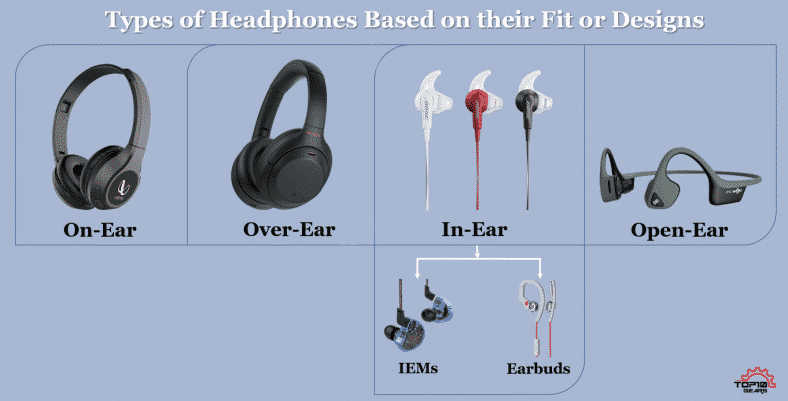
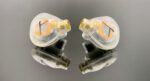
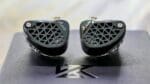
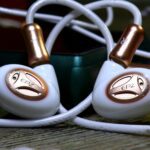
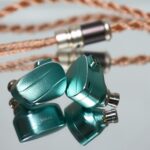
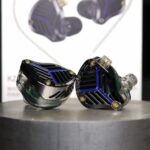
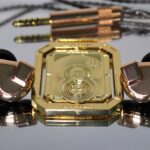
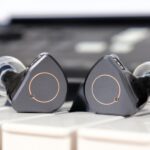
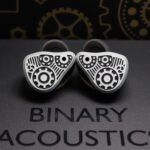
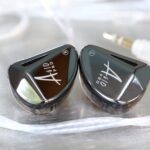
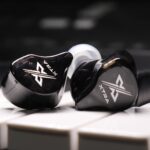
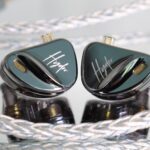
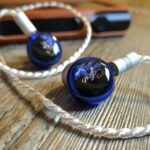
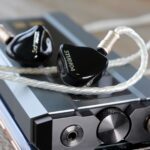
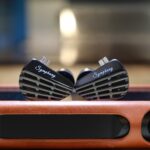
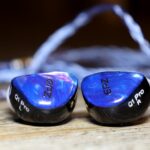
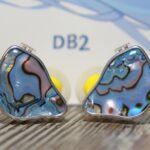
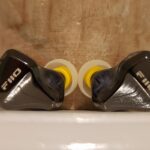
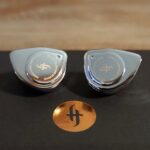
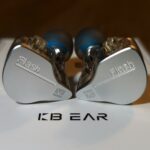
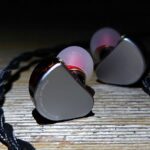
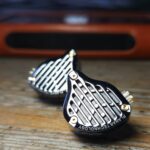
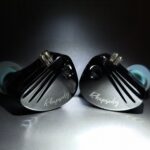
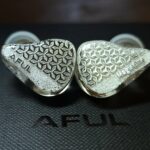
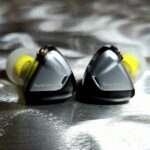
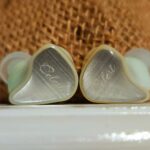
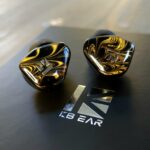
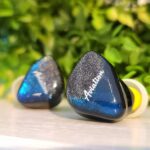
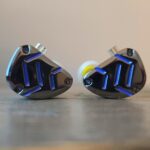
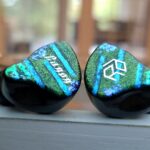
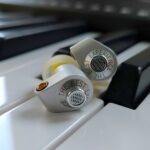
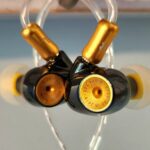
In-ear monitors (IEMs) go inside the ear canal and form a seal. This is actually the form factor with the most active development in the audiophile market right now, largely because precision machining has made it possible to pack multiple driver configurations into something smaller than a fingernail. The seal is excellent, which helps bass reproduction dramatically — there’s nowhere for the low-end energy to escape. The compromise is soundstage: with the driver sitting inside your ear canal, the perceived space is inherently more intimate and narrow than over-ears. Imaging — the ability to localize instruments precisely in the stereo field — is actually quite good in well-tuned IEMs, though the stage itself feels closer.
Standard earbuds sit in the outer ear without sealing the canal. This is largely a legacy form factor that’s been replaced by IEMs for audio-critical use. Without a seal, bass response is significantly reduced and isolation is almost nonexistent. Useful for situations where you need situational awareness, impractical for most serious listening.
A Few Concepts Worth Knowing
Soundstage is the perceived size of the acoustic space you’re hearing. A wide soundstage feels like listening in an open room or concert hall. A narrow one feels like the music is happening inside your head. Open-back over-ears tend to have the widest soundstage of any headphone category. For gaming, this matters because distance cues — detecting how far away a sound source is — come from soundstage width.
Imaging refers to the precision with which a headphone places sounds in that space. Good imaging means you can reliably tell that the guitar is slightly left-of-center, the backing vocal is further behind, the hi-hat is hard right. Poor imaging blurs those positions into a vague stereo field. This is relevant for gaming too, but it matters in music across any genre with real production craft behind it.
Impedance, measured in ohms, is essentially the electrical resistance the headphone presents to whatever is driving it. Higher impedance headphones require more voltage to achieve the same listening volume. A useful analogy: think of it like a garden hose — a low-impedance headphone is a wide hose where water flows easily, while a high-impedance headphone is a narrower one that needs more pressure behind it. A 32-ohm IEM will play loudly from a phone. A 300-ohm headphone will sound thin and quiet from the same source. As a practical threshold, anything above 80 ohms typically benefits meaningfully from a dedicated amplifier.
Sensitivity tells you how loud a headphone gets for a given amount of power, expressed in dB/mW or dB/Vrms. Anything above 92dB sensitivity will work fine from most modern sources. Very low sensitivity (below 85dB) in combination with high impedance is when you start needing real amplification. It’s worth checking both numbers together rather than either one in isolation.
Sound signature refers to the intentional tonal character manufacturers give a headphone — the way they’ve tuned it to appeal to certain tastes or genres.
Common signatures include:
V-shaped: bass and treble are emphasized while the midrange is pulled back. This creates an exciting, dramatic presentation — particularly good for electronic music and metal — but vocals lose some intimacy and body in the process.
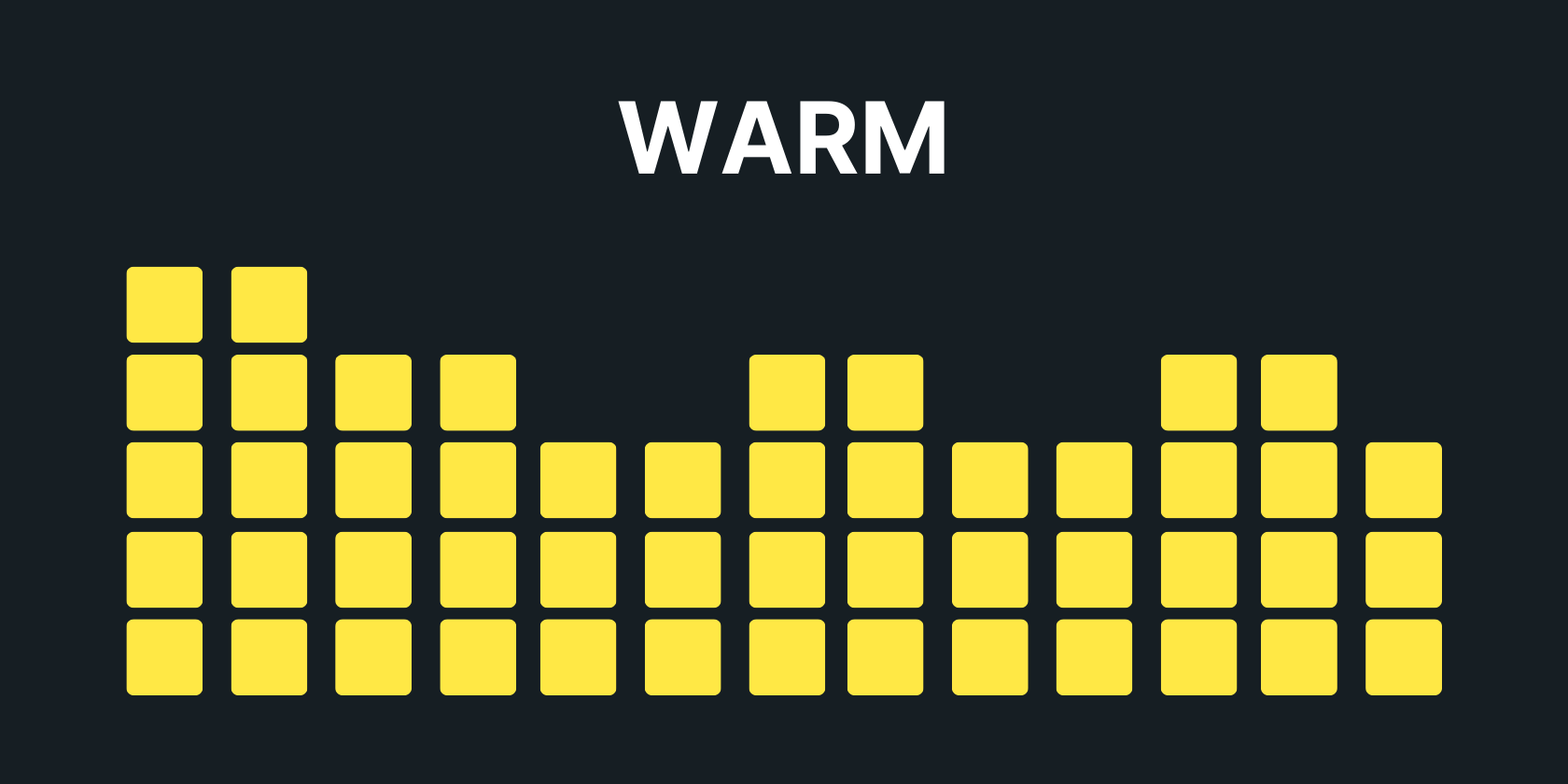
Warm: bass and lower midrange are elevated, giving the sound a rounded, easy-going quality. Forgiving on poorly recorded material.
Bright: treble is elevated, sometimes at the expense of upper bass. Detail feels abundant but long sessions can become tiring.
Neutral/reference: tracks as flat as possible across the spectrum. Useful for mixing and mastering, sometimes perceived as “boring” by casual listeners who are used to colored sound.
Dark: the opposite of bright — treble is pulled back, the sound is smooth and relaxed. Excellent for long sessions, less exciting for critical listening.
The Signal Chain: Source Quality Matters
Even a great headphone is limited by what you feed it.

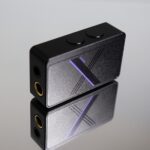
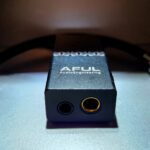
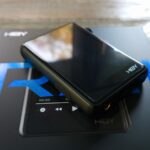
DAC (Digital-to-Analog Converter) is the component that converts the digital audio signal from your phone, computer, or streaming service into an analog electrical signal that a headphone can actually use. Every device with a headphone output has a DAC inside it — the question is how good that DAC is. Higher-quality DACs handle higher sample rates, greater bit depth, and lower noise floors. The built-in DAC in most laptops and mid-range phones is genuinely adequate for casual listening, but dedicated USB DACs can make a noticeable difference once your headphones are resolving enough to reveal the gap.
A few terms worth understanding here:
Sample rate (measured in kHz) describes how many times per second the audio waveform is captured. 44.1kHz (CD quality) is the standard, and it’s already well above the threshold of perceptibility for most content. 96kHz and 192kHz files exist and some audiophiles prefer them, but the benefit at playback is debated.
Bit depth determines how many discrete amplitude levels are available to represent the signal — like the number of keys on a piano. 16-bit audio (CD standard) offers 65,536 levels. 24-bit offers 16.7 million. In practice, the difference matters most in dynamic range and noise floor, not in the way most people imagine “more detail.”
Bit rate (measured in kbps) describes how much data is used to encode a given length of audio. MP3 at 320kbps is compressed and losing information. FLAC or WAV files are lossless. For critical listening, FLAC or ALAC at 24-bit/96kHz is a reasonable ceiling beyond which most listeners won’t perceive further gains.
File formats follow from the above. MP3 at 128kbps was a necessary compromise for the storage limitations of the early 2000s — it’s not a reasonable choice today.
320kbps MP3 is the minimum acceptable for music you care about on a decent system. FLAC is lossless compression and the most practical high-quality format for most people. OPUS is a modern lossy codec that preserves more perceptible information per kilobyte than MP3 — at 256kbps, it’s genuinely competitive with lossless for most listeners on most headphones.
Wireless adds another variable. Bluetooth audio is always compressed to some degree. LDAC (developed by Sony) achieves the highest transmission quality currently available via Bluetooth, with a maximum bitrate of 990kbps. aptX and aptX HD are competing codecs that are also significantly better than standard SBC. If you’re considering a wireless headphone and audio quality matters, check which codec it supports — and make sure your source device supports the same one, or you’ll default to a lower quality connection anyway.
Cables are the most overblown element in all of consumer audio. For budget to mid-range listeners, cable material has almost no measurable effect on sound. A well-shielded cable of reasonable length is all that’s necessary. Short cables reduce the potential for signal degradation and interference at a basic level. Where cable quality does genuinely matter is in longevity, strain relief, and microphonics (cable noise conducted to the ear). Spending significantly more on a cable than on the headphone itself is, for most people, a purchase that serves aesthetics more than performance.
Ergonomics: The Overlooked Variable
The best-measuring headphone you’ve ever owned is worthless if you take it off after forty minutes because it’s uncomfortable. This applies to every form factor but especially over-ears.
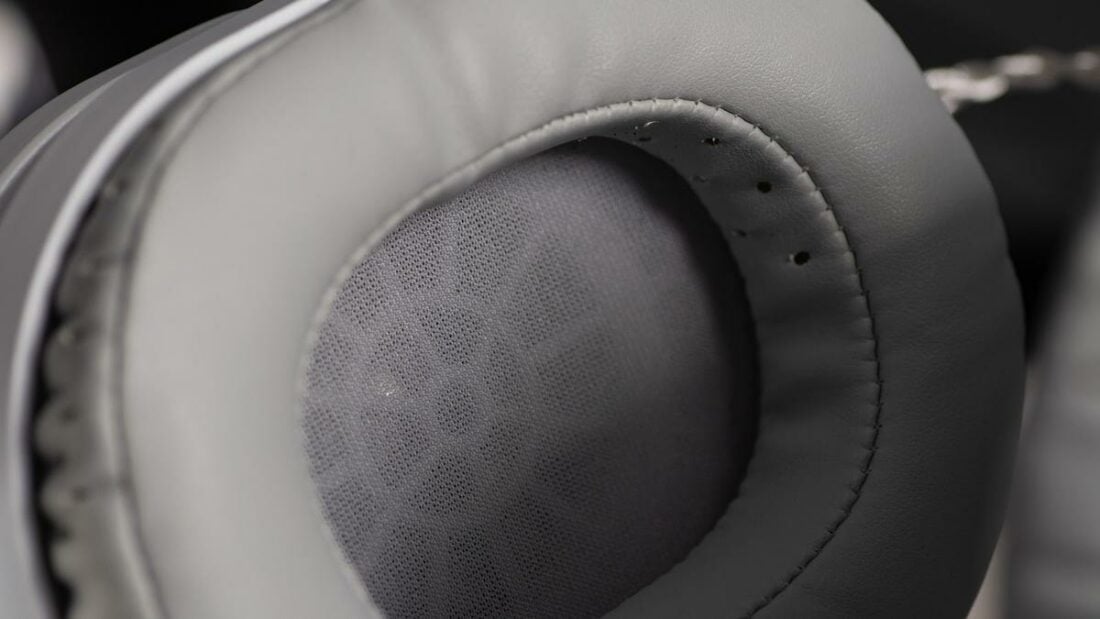
For full-size headphones, clamping force — the lateral pressure the headband creates against your head — is critical. Too tight and you’ll feel a vice grip developing around your temples over time. Too loose and the seal breaks, bass bleeds out, and the cups slide. Pad material affects both comfort and sound: memory foam pads under leather tend to sound more bass-heavy and seal better, but they heat up quickly. Velour breathes better but leaks.
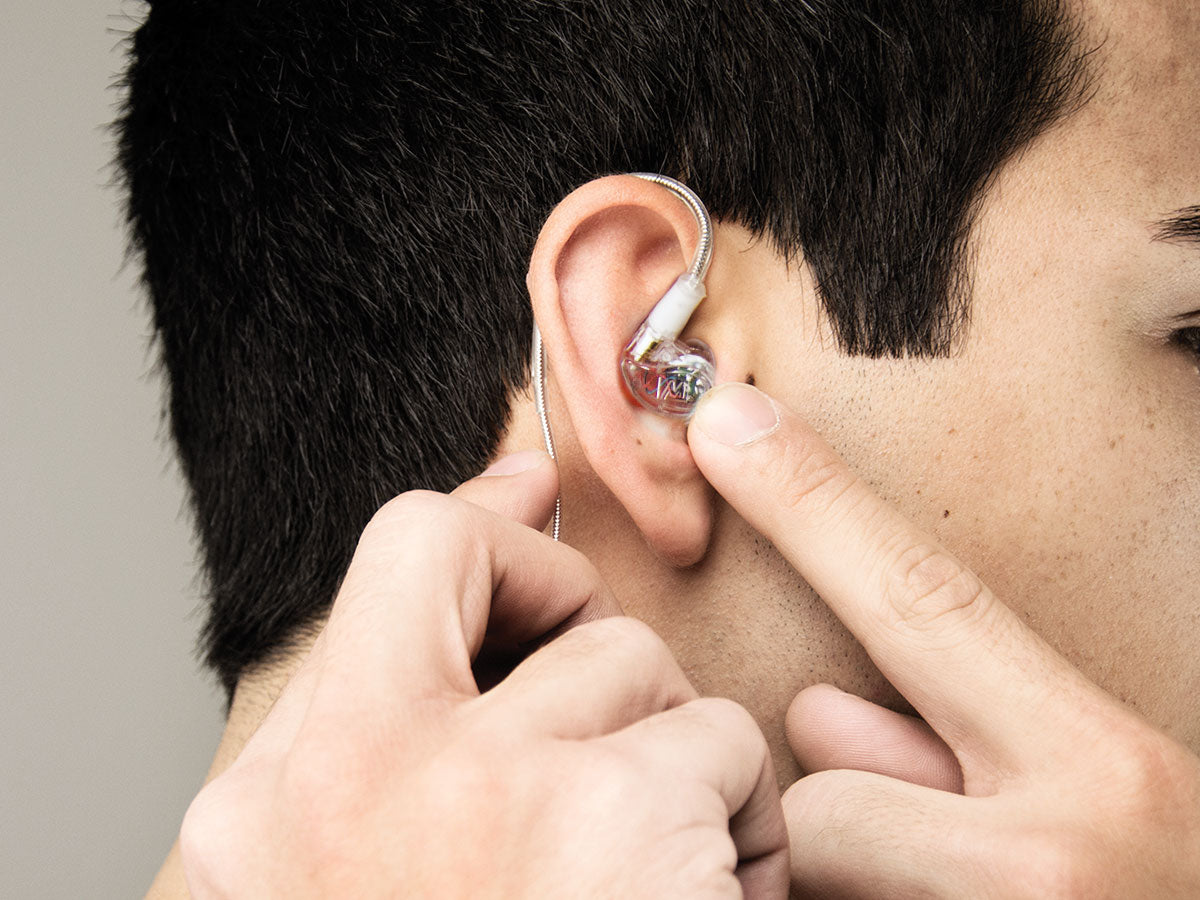
For IEMs, the fit is largely determined by ear tip selection. This is something most reviews underserve. The same IEM can sound dramatically different depending on whether the ear tip creates a proper seal — bass in particular suffers significantly without one. Silicone tips in the correct size are the baseline. Foam tips compress and conform to the canal shape, which often improves both seal and isolation, though they change the treble response slightly in ways that vary by tip and IEM combination.
Weight matters more than most spec sheets suggest. A 400g over-ear headphone might feel manageable in a store for five minutes. After three hours at a desk, that same weight becomes genuinely fatiguing — especially if the headband padding isn’t well distributed.
Active Noise Cancellation
ANC works by sampling the sound environment through microphones and generating an inverse waveform to cancel it. It’s particularly effective against low-frequency, repetitive noise — airplane cabin hum, train engines, HVAC systems. It’s less effective against irregular sounds like voices or sudden impacts.
The technology has gotten significantly better in the last few years, but it still comes with trade-offs. ANC processing can introduce subtle artifacts into the audio — a slight hollowness or pressure sensation, or added background hiss. Battery life on wireless headphones drops with ANC enabled. And some headphones sacrifice lower-level sound quality in their base performance in order to price in ANC, which means you’re trading tuning budget for the feature.
If you’re buying a desk headphone for home use in a quiet environment, ANC is probably unnecessary. If you commute frequently by train or fly regularly, it’s potentially transformative.
What to Actually Do With All of This
Start with squig.link. Look up anything you’re already considering. Overlay the Harman target. See how they compare. If the headphone you’re looking at closely tracks the target, that’s a good baseline indication. If there’s a large peak somewhere, map it to the frequency range descriptions above and think about whether that tradeoff makes sense for what you listen to.
If it’s an IEM, think about fit and ear tip compatibility. If it’s an over-ear, think about whether open or closed back makes more sense for your environment. If you’re running from a phone or laptop, keep impedance under 80 ohms unless you have a dedicated DAC/amp in your setup.
That’s the framework. The rest is listening.
Mahir says that the ultimate reference is your ears
This guide will be updated periodically as the measurement ecosystem and technology landscape evolves. If something here is outdated or you think a section needs more depth, the comments are open. And for some graditude and membership click
Frequently Asked Questions
What is the difference between IEM and headphone?
IEMs (in-ear monitors) sit inside the ear canal and create a seal, which improves passive isolation and bass response but can cause listening fatigue over long sessions. Full-size headphones sit on or around the ear, offering a more natural soundstage and less pressure, but at the cost of isolation and portability. For commuting and gym use, IEMs win on practicality. For long home listening sessions, over-ear headphones tend to be more comfortable.
How much should I spend on my first pair of IEMs?
The $30–80 range delivers genuinely good sound in 2024–2025. Models like the Moondrop Chu 2 and Truthear Hola prove that sub-$50 IEMs now resolve more detail than midrange gear from five years ago. Spending more than $150 on your first pair rarely makes sense before your ears are trained to hear the differences — save the upgrade for after six months of active listening.
What does impedance mean for headphones, and does it matter?
Impedance, measured in ohms, describes how much electrical resistance a headphone presents to its source. High-impedance headphones, usually around 150–300 ohms, need more voltage to reach proper listening levels, so a phone or laptop may underdrive them. Low-impedance IEMs, usually around 8–32 ohms, are easy to drive but can pick up hiss from some sources. For most modern IEMs, a phone is fine; for high-impedance headphones, a dedicated amp can improve volume and control.
What is a DAC and do I need one?
A DAC, or digital-to-analog converter, turns the digital audio signal from your phone or computer into an analog signal your headphones can play. Every device that plays audio already has a DAC inside. An external DAC only makes sense if your built-in DAC creates audible noise, hiss, distortion, or if you want to drive high-impedance headphones properly. For most IEM users with modern phones, an external DAC is optional rather than essential.
What is soundstage in headphones?
Soundstage describes the perceived width, depth, and height of the sound field. A wide soundstage makes instruments feel like they are spread across a room, while a narrow one pushes everything closer together. Open-back headphones naturally create a wider soundstage than most IEMs because the driver can breathe. Among IEMs, driver configuration and tuning affect soundstage, imaging, and how spacious the presentation feels.
Is a balanced cable worth buying for my IEM?
A balanced connection, usually 2.5mm or 4.4mm, is worth it only if your source has a dedicated balanced output that is actually better than its single-ended output. Some DAPs and dongle DACs offer lower noise floors and more power through balanced outputs. However, buying a balanced cable for a phone without a balanced output does nothing. The cable is only useful when the source supports it.
What driver types are used in IEMs, and which is best?
The main driver types in IEMs are dynamic drivers, balanced armature drivers, planar magnetic drivers, and electrostatic drivers. Dynamic drivers usually handle bass naturally and sound organic. Balanced armature drivers can deliver strong midrange detail but may sound thinner in the low end. Planar magnetic IEMs often offer low distortion and extended treble, but they can require more power. Hybrid IEMs combine different driver types, but tuning and crossover quality matter more than driver count alone.
How do I choose between open-back and closed-back headphones?
Open-back headphones leak sound in and out, so they are best for quiet listening rooms where soundstage and natural tonality matter more than isolation. Closed-back headphones seal the ear cup, giving better isolation and stronger perceived bass, but the soundstage often feels smaller. For desk listening in a quiet room, open-back is usually better. For commuting, recording, or shared spaces, closed-back is the safer choice.
ps: thanks to SeSa






No Comment! Be the first one.