































Disclaimer
Hello everyone! Before we get started, I want to let you know that Fosi Audio sent me the DS3 so I could test it, spend some time with it, and share my thoughts. I’m not being paid for this review, and Fosi Audio hasn’t told me what to write or asked to see my review before posting.
Table Of Content
- Disclaimer
- Introduction
- Unboxing
- Technical Specifications
- Specs
- Build Quality and Design
- DAC and Processing Technology
- Gaming Mode, FPS Effect, and Virtual 7.1
- PEQ and Software Control
- Final Thoughts on the Technical Side
- How it performs
- HiFi Sound (UAC 2.0)
- Gaming Mode (UAC 1.0)
- Final Notes on Performance
- Quick Comparison
- DS3 vs FiiO KA15 (109$)
- DS3 vs Fosi DS2 2024 (60$)
- Conclusion
- Pros
- Cons
- Q&A
- Who is the Fosi DS3 for?
- Who should avoid the Fosi DS3?
- What are some good alternatives to consider?
Everything you’ll read here is based entirely on my own experience with the DS3. I always try to be as fair and objective as possible, but at the end of the day this is still my personal opinion. We all judge products differently, and those differences are part of what makes this hobby so interesting and enjoyable.
Big thanks to Fosi Audio for giving me the chance to review the DS3, and of course, a huge thank you to you for taking the time to read and support my reviews. It truly means a lot to me!
Introduction
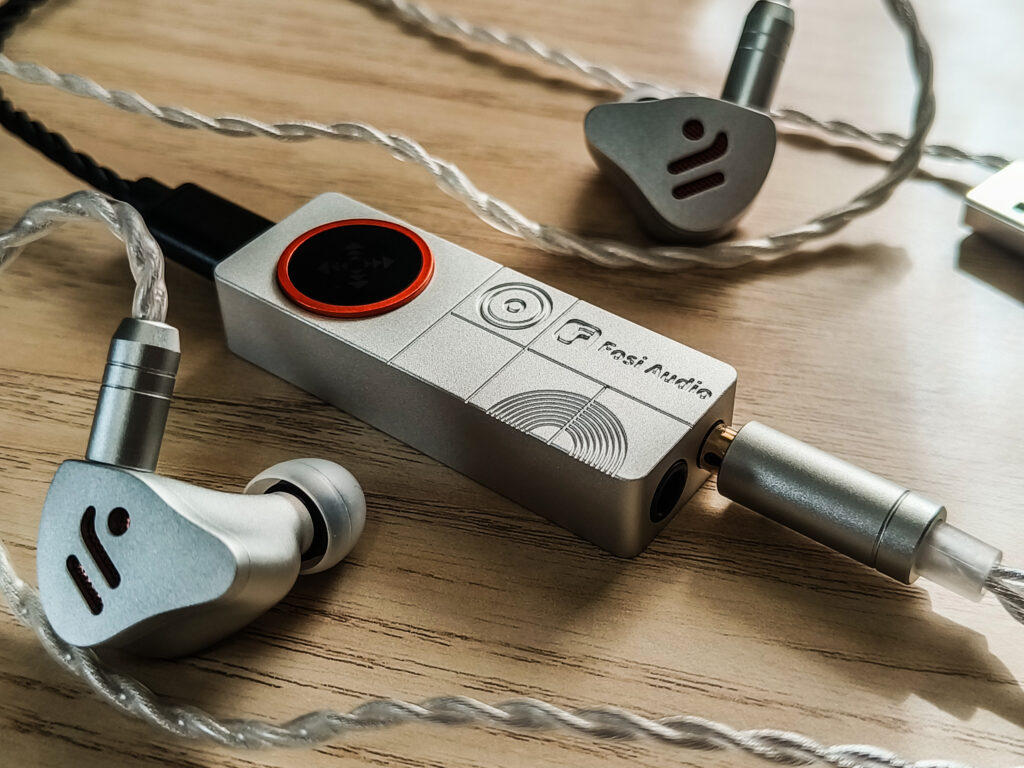
The Fosi DS3 is Fosi Audio’s latest dongle DAC and headphone amplifier (although it is not the strongest one, it does give enough power for pretty much all IEMs), and straight away it feels much better than their previous dongles. I reviewed the DS2 2024 version a while ago, and while that was a solid little dongle for the price, the DS3 is clearly playing in a different league.
First of all, yes, the price is higher. At around 100$, this is no longer a budget dongle in this regard. But I totally get it, as with what Fosi added here, it becomes very clear why. The DS3 is not just about better sound on paper, it is about the features and flexibility that this little guy gives us.
You get a much more capable DAC chip, a gaming mode with a dedicated FPS tuning and virtual 7.1 effects, and even web based PEQ control, with all the needed controls. And, of course, it’s still very small and portable, which makes these dongles so convenient to use with a phone, laptop, and now, with the DS3, even with a desktop gaming setup.
So yes, the DS3 costs more than the DS2 2024, but it also offers a lot more. This feels like Fosi moving from a simple plug and play dongle to a more advanced all in one portable DAC and amp. So today, in this review, I will go through all of these new features, how they work in real use, and, of course, how the DS3 actually sounds.
Unboxing
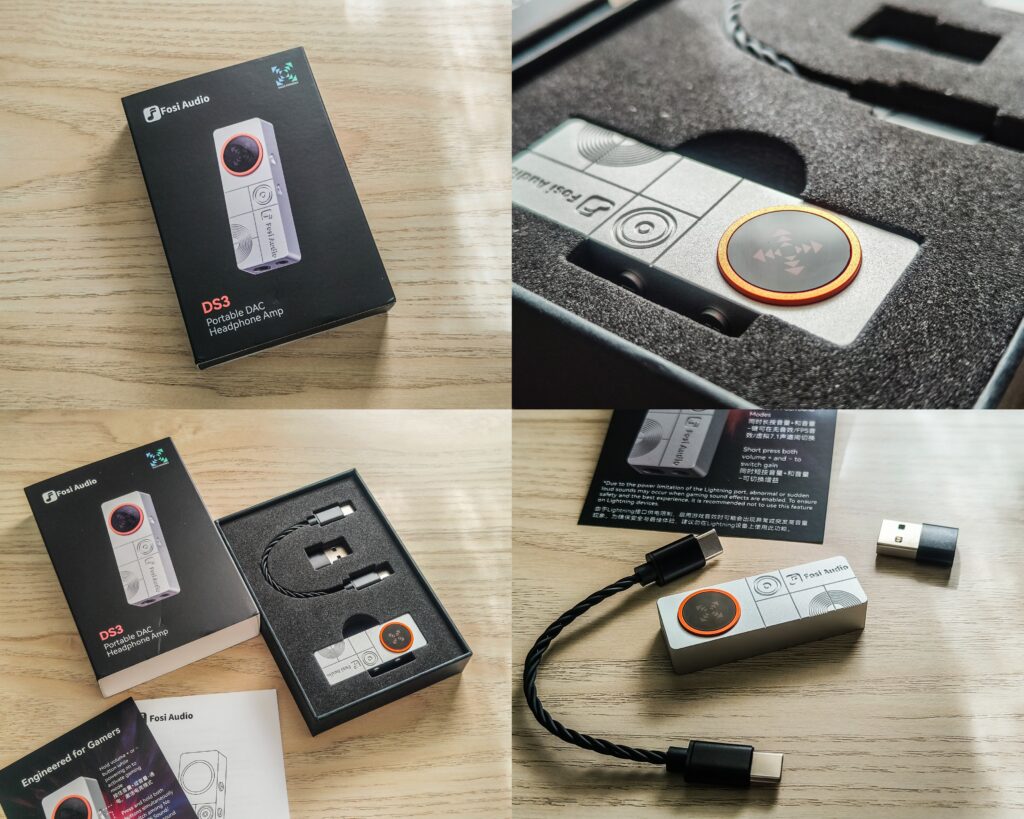
The unboxing of the DS3 is, I would say, good looking, yet simple and straightforward. Inside the box there is the DS3 itself, a short USB-C to USB-C cable, a USB-C to USB-A adapter, and some paperwork with a guide card for the controls.
Now about the cable. The USB cable is fine, not too short and not too long, and I think it’s the perfect length for portable use with a phone or a laptop. But that said, since the DS3 is also clearly designed to work with a PC for gaming, I do think it should have come with an additional longer USB cable in the box. So if you plan to use it on a desktop setup, you will probably need to swap the cable.
One thing I really want to point out here is the paperwork. Do not throw it away. Some of the controls on the DS3 are not very intuitive at first, especially things like switching USB modes, enabling gaming features, or changing filters. You will almost certainly need to look at the guide card a couple of times to understand how to access all the features.
Overall, the unboxing is basic but quite nice. You get everything needed to start using the DS3 right away, but a longer USB cable would have definitely made it more complete for PC use.
Technical Specifications
Specs
- DAC Chip: ESS Sabre ES9039Q2M
- USB Audio Processor: XMOS powered
- Input: USB-C
- Outputs:
- 3.5 mm single-ended
- 4.4 mm balanced
- USB Audio Class:
- UAC 2.0 (HiFi mode)
- UAC 1.0 (Gaming mode)
- Sampling Rate Support (UAC 2.0):
- PCM up to 32-bit / 768 kHz
- Native DSD up to DSD512
- DoP up to DSD256
- Sampling Rate Support (UAC 1.0): PCM up to 16-bit / 48 kHz
- Max Output Power:
- 3.5 mm SE: ≥120 mW + 120 mW @ 32 Ω (THD+N < 1%)
- 4.4 mm BAL: ≥220 mW + 220 mW @ 32 Ω (THD+N < 1%)
- Frequency Response: 20 Hz – 48 kHz (±0.2 dB)
- Signal-to-Noise Ratio (SNR):
- ≥122 dB (3.5 mm)
- ≥120 dB (4.4 mm)
- Dynamic Range:
- ≥119 dB (3.5 mm)
- ≥116 dB (4.4 mm)
- THD+N:
- <0.0003% (3.5 mm)
- <0.0005% (4.4 mm)
- Headphone Impedance Range: 16 – 300 Ω
- Power: USB powered, no internal battery
- Dimensions: 55 × 20 × 11 mm
- Weight: 16 g
Build Quality and Design
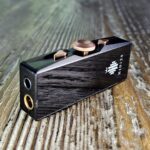
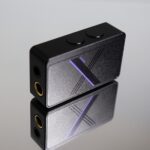
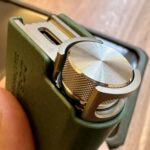
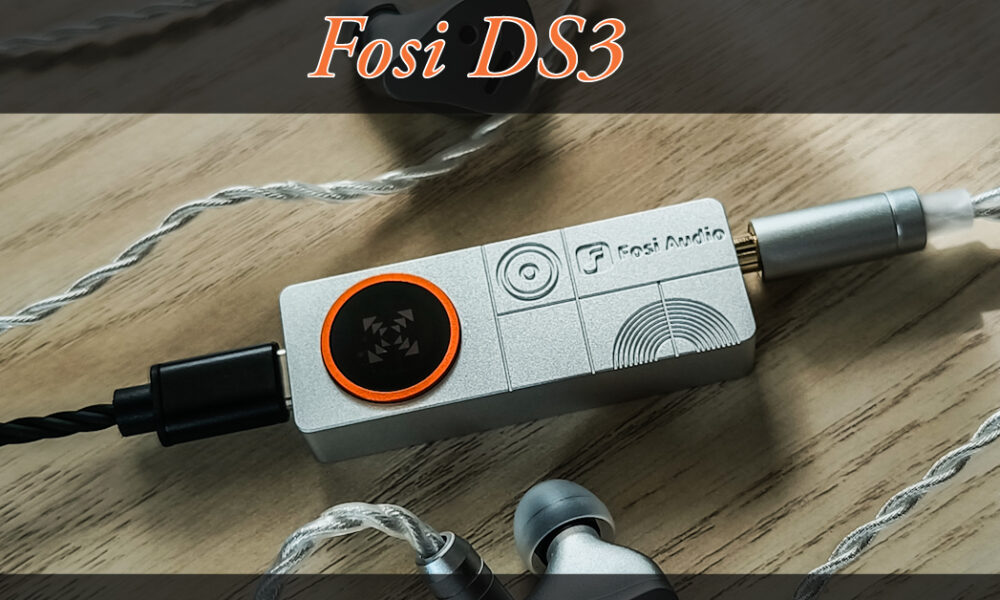
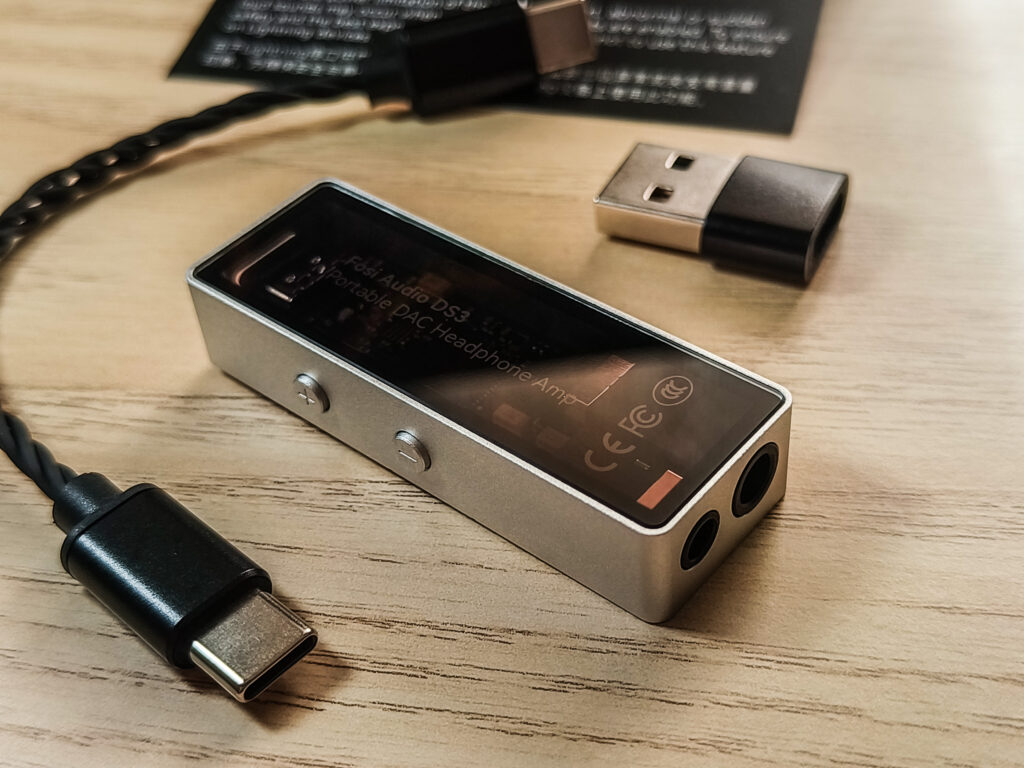
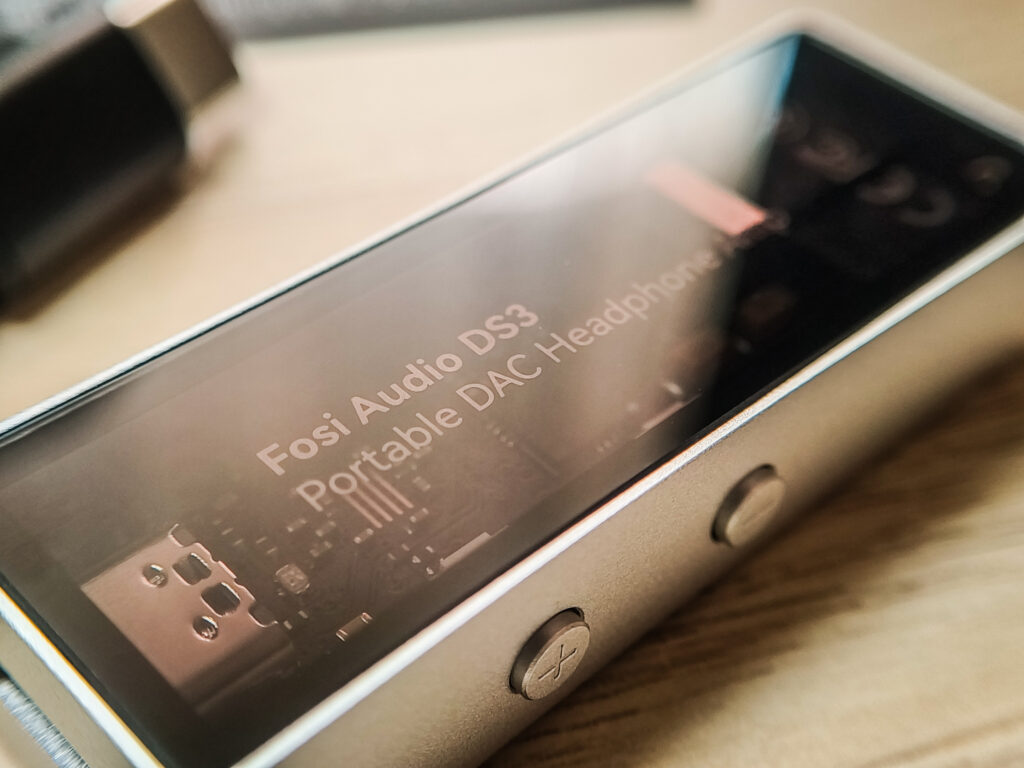
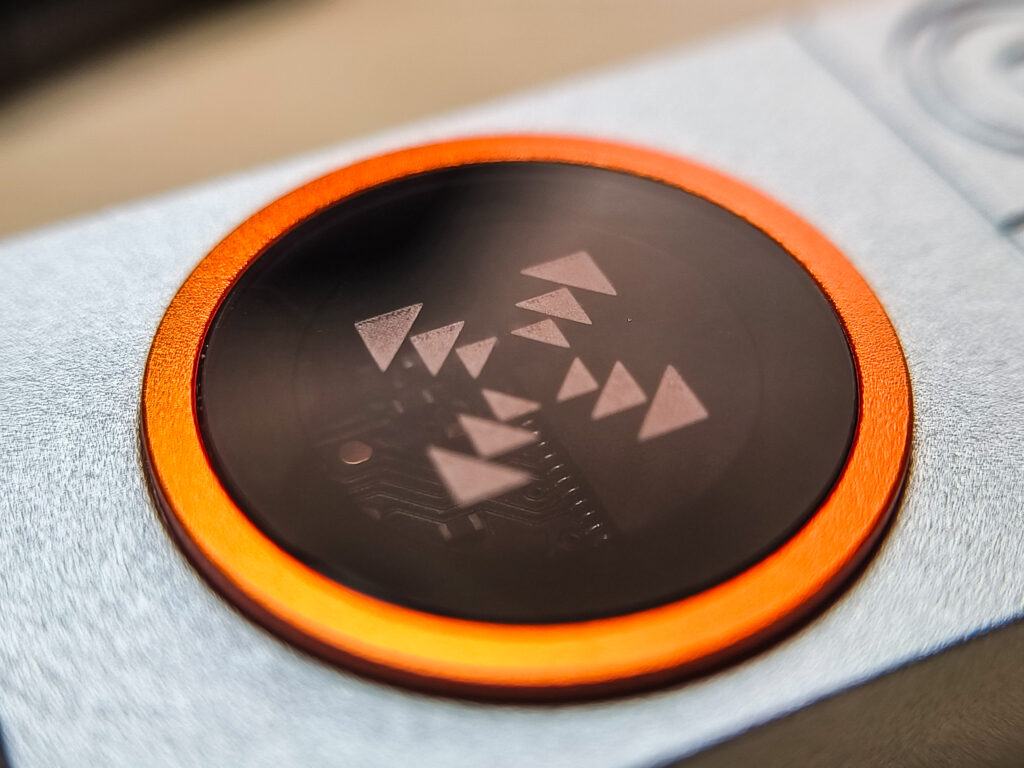
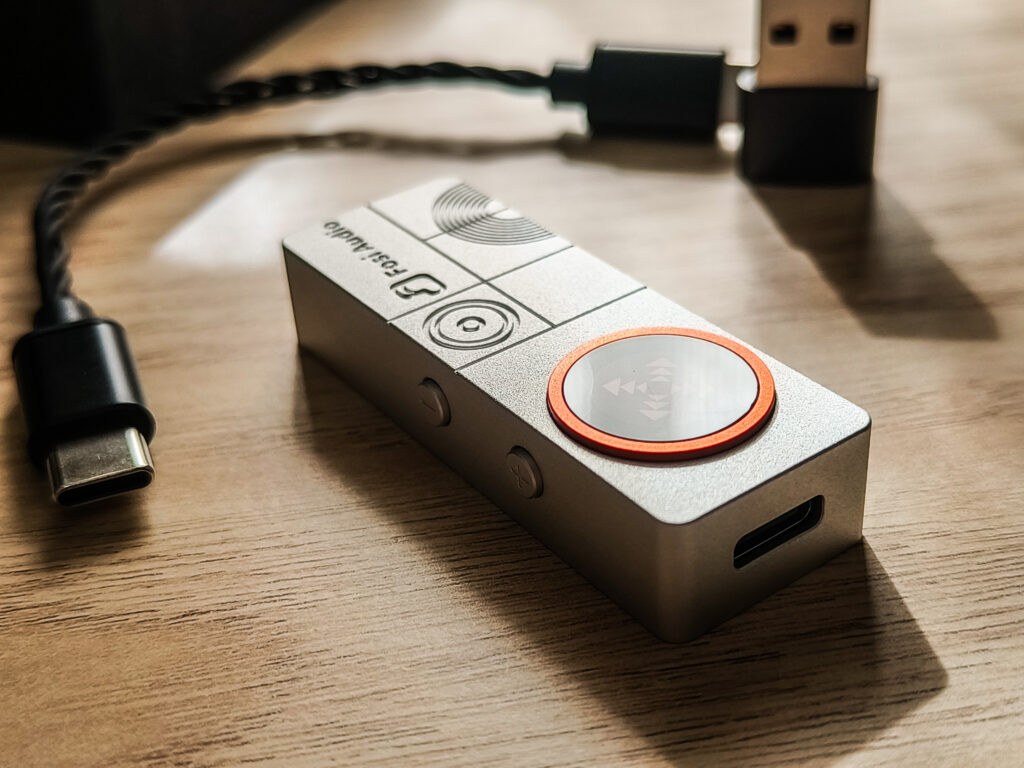
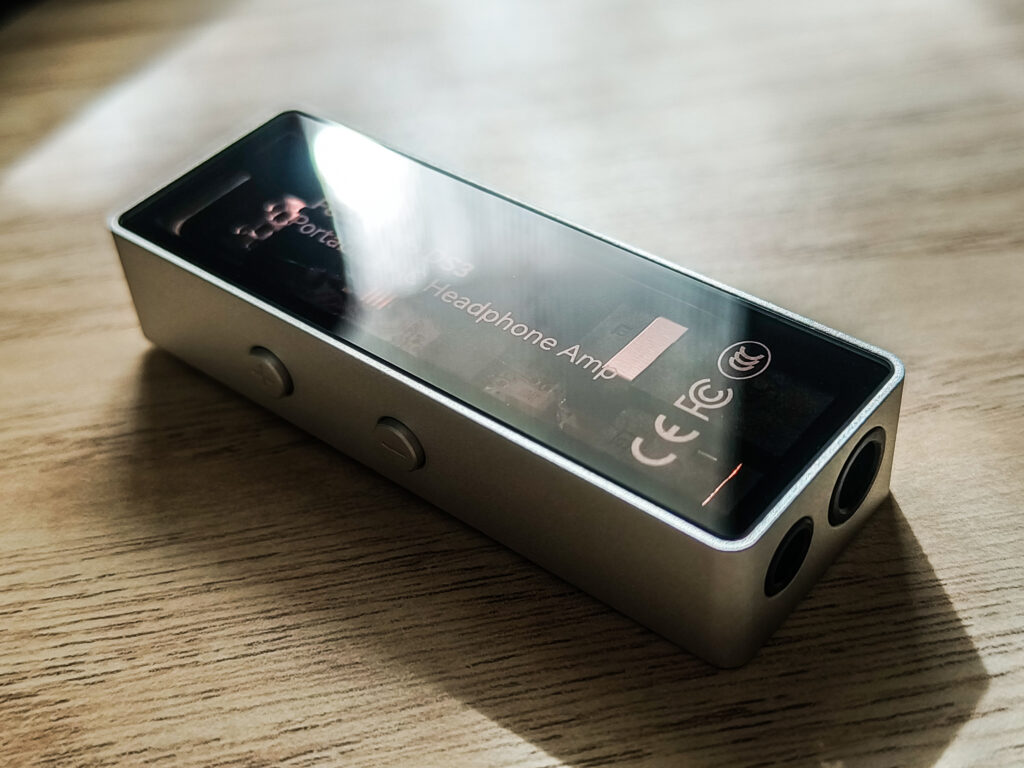
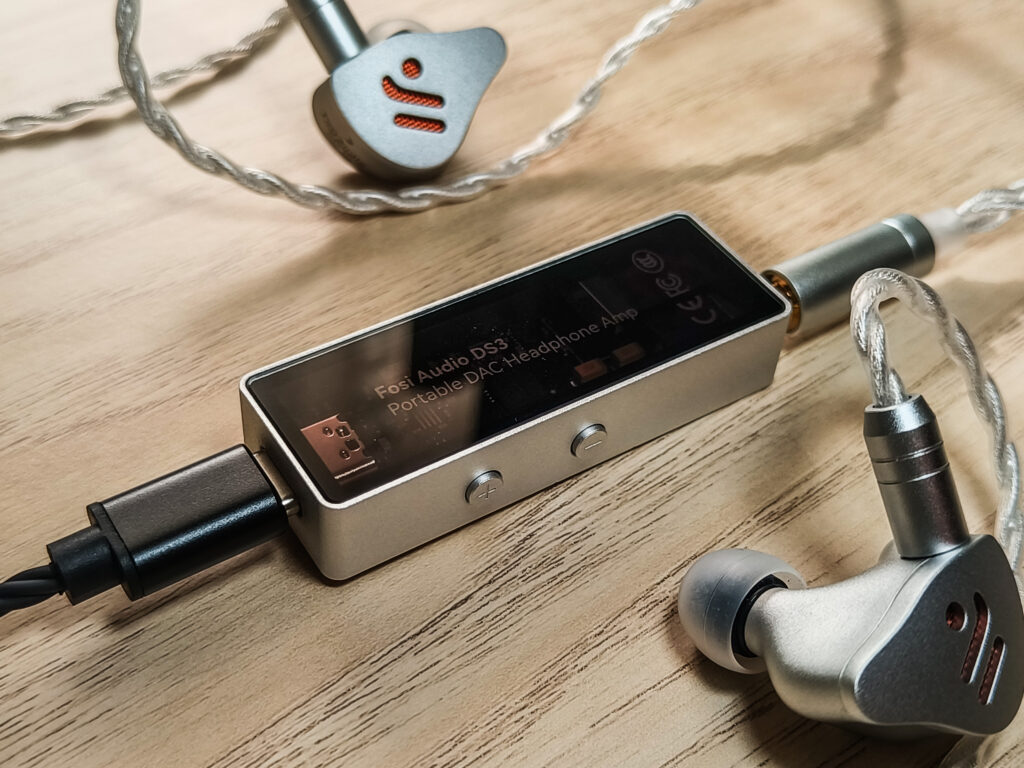
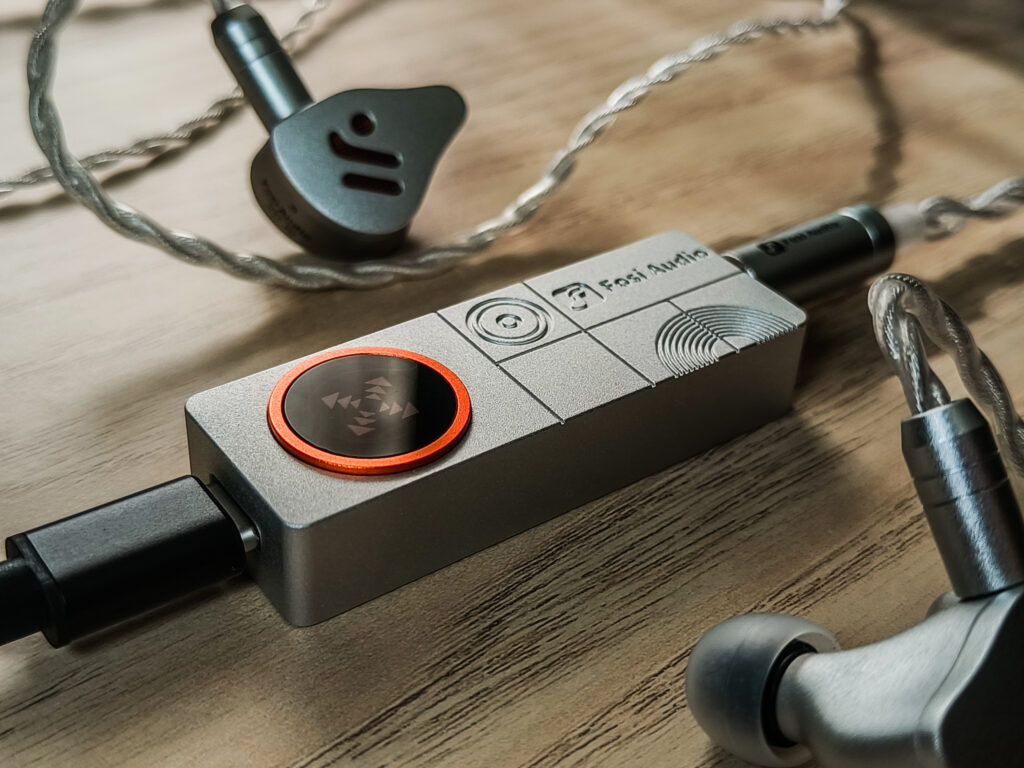
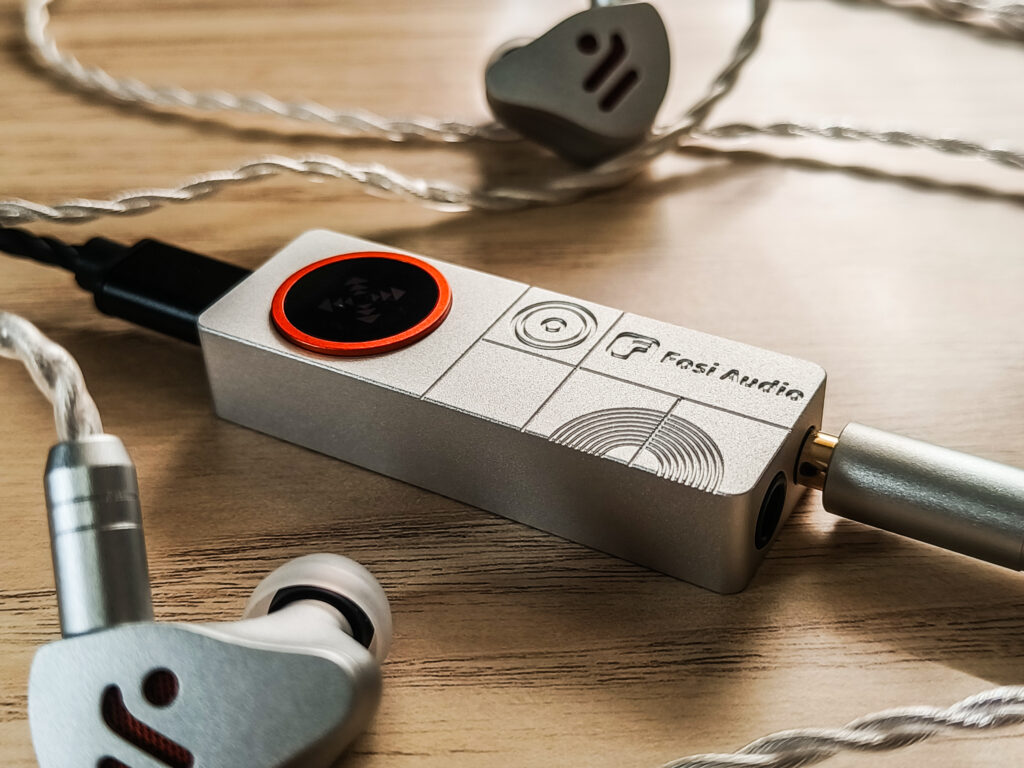
The DS3 feels and looks very good. It is small, light, and very compact, and it does not feel cheap or flimsy. The aluminum body has a clean look, and the design is much nicer than what we saw on the DS2. Everything feels well put together, good looking and high quality.
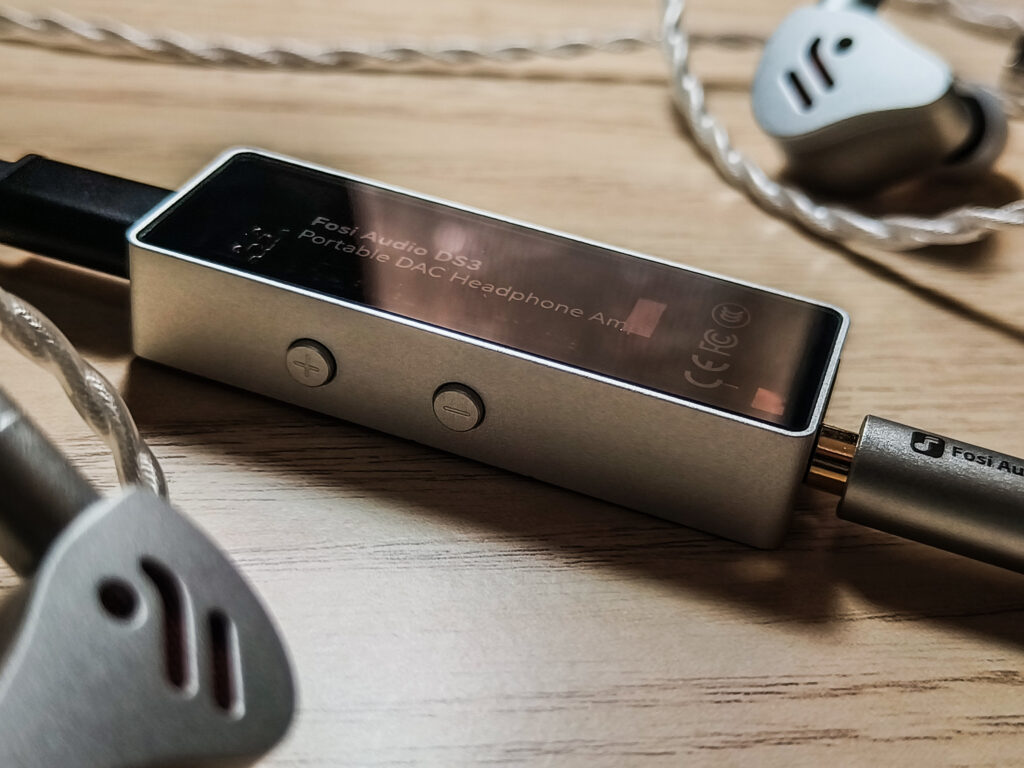
The hardware buttons feel good, and all the control is through them, but they can also be controlled through the Web PEQ site, using this link cc.fosiaudio.com. But keep in mind that you will also have to update the firmware using this link: https://drive.google.com/file/d/1rp-UyHdZ6Un8vVSI7eMMaPID56iKZaC3/view?usp=sharing.
After the firmware update, it just feels more like a more serious DAC and amp, with nice control via PC, and not just a basic dongle.
DAC and Processing Technology
The DAC chip inside the DS3 is the ESS ES9039Q2M, paired with an XMOS USB audio processor. This combination is great because the ESS chips are known to be of higher quality, and more capable than the Cirrus Logic ones, and the XMOS processor allows for very cool features.
In UAC 2.0 mode, the DS3 behaves like a proper HiFi DAC. This is the mode you want for music listening, critical listening, and overall high quality sound, and it also allows access to the ESS digital filters.
What I like here is that all the gaming features are kept separate from this mode, so the core sound stays clean and unaffected when you are listening to music.
Gaming Mode, FPS Effect, and Virtual 7.1
The DS3 also includes a dedicated UAC 1.0 gaming mode, which is there for PC and console gamers. In this mode, the device runs at a fixed 48 kHz and unlocks additional sound effects.
The FPS mode is designed to make footsteps and gunfire easier to hear by boosting the midrange and reducing bass a bit. It does not try to make the sound bigger or wider, it just makes important details stand out more clearly, which makes sense for competitive shooters.
Virtual 7.1 is a completely different approach. This mode uses spatial processing and timing differences to create a wider soundstage. It can be very fun for casual or single player games, but it is not meant to be accurate or neutral. It is more about immersion than precision.
Both of these features are optional, and you can also run the DS3 in gaming mode with no effects at all.
PEQ and Software Control
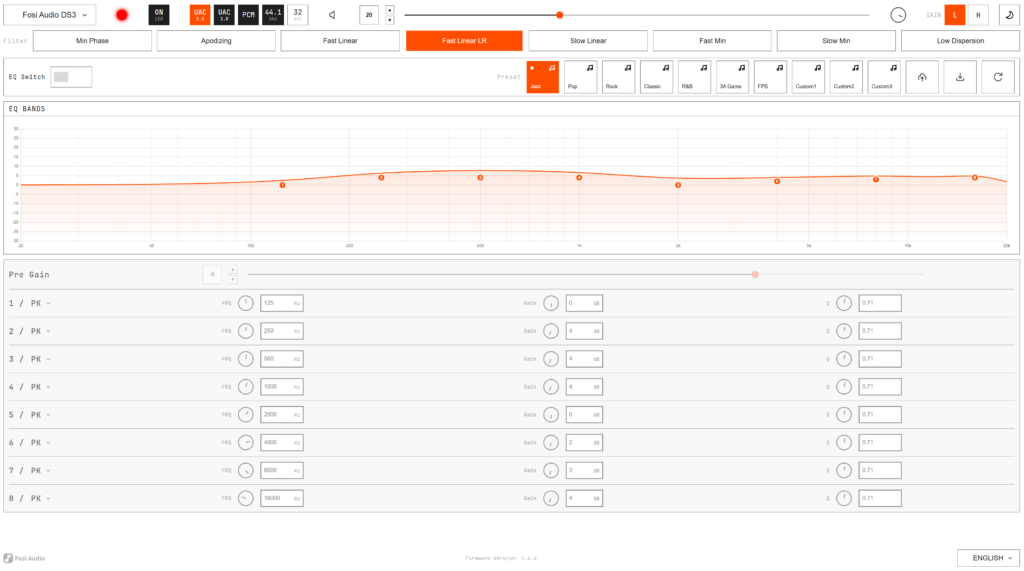
One of the more surprising features here is the web based PEQ control (cc.fosiaudio.com). Fosi provides a simple web interface that lets you adjust EQ settings directly on the device, which is nice, although I definitely would have preferred a dedicated mobile and desktop app. The web control makes the DS3 more flexible and allows you to tweak sound or compensate for specific headphones or IEMs and control all the needed things.
Of course, keep in mind that all of this is optional. If you want a clean, neutral signal path, you can simply leave everything off and use the DS3 as a straightforward DAC and amp.
Final Thoughts on the Technical Side
From a technical standpoint, the DS3 feels like a big step forward for Fosi. It is not just about adding a better DAC chip but about combining HiFi, gaming features, hardware controls, and DSP options into a single small device.
It is clearly more complex than a basic dongle. Although I think that FiiO’s app integration, for example, is a bit more advanced in some regards, although even with FiiO’s app, there are sometimes things that are missing. But here, you get access to all the controls and features that the DS3 has to offer, but through the web.
That said, the web control is very nice to have, and it definitely makes the DS3 very versatile. Though there is still no support for mobile, and I really want to believe that Fosi will add mobile support at some point in the future.
How it performs
HiFi Sound (UAC 2.0)
Talking about the sound of a modern DAC and amp is always a bit tricky, because at this point, anything coming from a reputable brand is going to sound good. The differences are usually small, and most of the time the real value is in the features, usability, and how clean the overall implementation is.
With that said, the DS3 sounds exactly how I would expect a good modern DAC and amp to sound. It is clean, transparent, and very quiet. I did not hear any background noise at all, even with very sensitive IEMs. No hiss, just nothing, a pitch black background.
The volume control is very precise, which I really appreciate. Small steps feel consistent, and I never had any issues with channel imbalance or too high jumps in volume. The gain control is also nice to have, especially when switching between different IEMs.
In terms of power, the DS3 is rated at up to 220mW from the balanced output. That is more than enough for IEMs and easy to drive headphones, but it is not meant for power hungry full size headphones. This is still a small dongle, yet there are some companies that made such small dongles with double or even triple the amount that the DS3 delivers. But still, for what it is designed for, it does the job without any problem.
In HiFi mode, you also get access to the ESS digital filters and an 8-band PEQ. If you like to play with EQ, this gives you plenty of flexibility to adjust things and control all its features. Just keep in mind that the PEQ is accessible only on PC through the web. There is no mobile support for this, so phone users will probably just stick to the stock sound or use software EQ on their device.
Overall, in HiFi mode, the DS3 does exactly what it should. It sounds clean and neutral and gives you the tools to fine tune things if you want.
Gaming Mode (UAC 1.0)
Gaming mode is where the DS3 really starts to separate itself from a typical dongle DAC.
First of all, it is important to understand that this is a completely different mode. In gaming mode, the DS3 runs in UAC 1.0 at a fixed 48 kHz, and this is where the FPS and Virtual 7.1 effects become available. This mode is clearly designed with PC and console gaming in mind, not music listening.
FPS Mode
The FPS mode focuses on clarity and positioning. It boosts the midrange where footsteps and gunfire usually sit and reduces some of the bass that can mask those details. This results in a sound that is, of course, not very natural or musical but very effective for competitive shooters. Footsteps are easier to pick up, and directional sounds, like footsteps, can be heard much easier. Importantly, this mode does not mess too much with phase and timing, so positioning stays relatively accurate.
Virtual 7.1 Mode
Virtual 7.1 is a different story. This mode uses spatial processing and timing tricks to make the soundstage feel wider and more immersive. It can be a lot of fun for casual gaming or single player games where you really want to get into the atmosphere of the game. Sounds feel bigger and more spread out, but at the cost of accuracy, and I could hear it. It sounds a bit strange sometimes, and it feels like it tries to predict where the sound is coming from, and by delaying and playing with timings, it makes it sound like it comes from far away on some side. Therefore, positioning is not as precise, but the overall sound feels more open and big.
The nice thing here is that all of this is optional. You can also use gaming mode with no effects enabled at all, which gives you a simple, low latency setup without any extra processing.
For competitive FPS games, the FPS mode will definitely be more useful than Virtual 7.1. For casual gaming, or even movies, Virtual 7.1 can be very fun. And for music, I would still stick to HiFi mode with all effects turned off.
Final Notes on Performance
At the end of the day, the DS3 is not trying to win on sound quality alone. The core sound is clean and transparent, of course, which is exactly what I want from a device like this. What really makes it interesting is how much flexibility Fosi managed to pack into this little guy.
You get proper HiFi sound, useful gaming features, hardware controls, and optional DSP. All these features are what make the DS3 stand out more than any tiny difference in sound quality between different dongles ever could.
Quick Comparison
DS3 vs FiiO KA15 (109$)
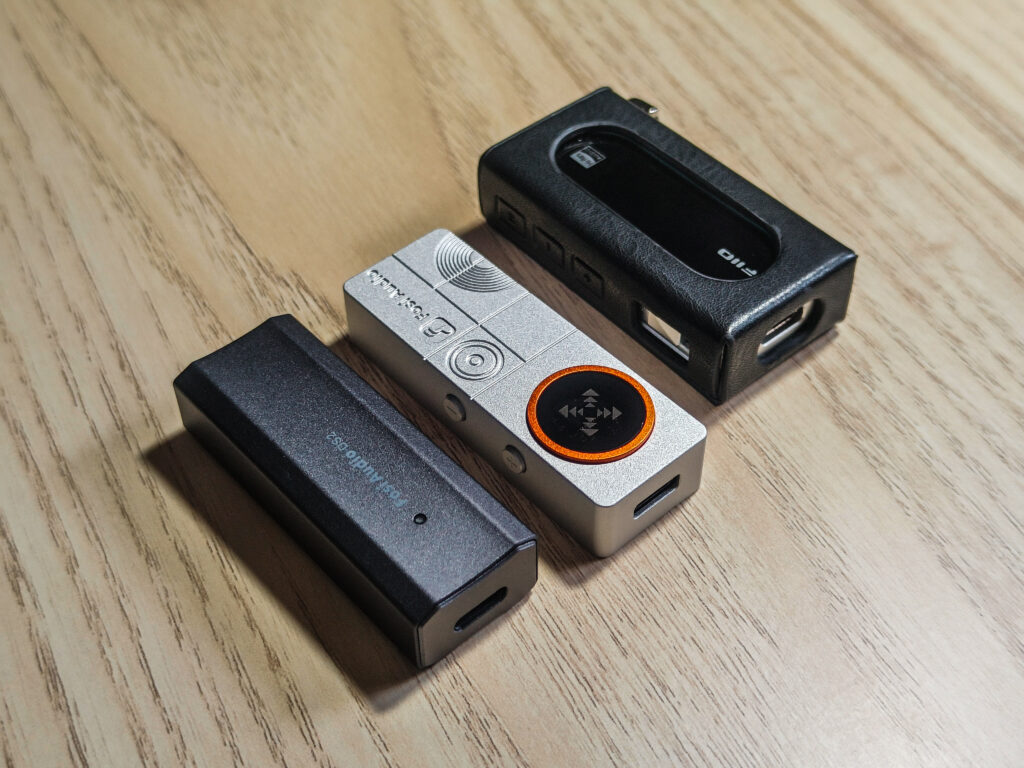
The Fosi DS3 and the FiiO KA15 are priced very close to each other, but they focus on different things. The KA15 has more than double the output power (560mW in Desktop Mode), which makes it the better choice for harder to drive headphones. It runs on a Cirrus Logic DAC, and more specifically, a dual CS43198. The KA15 has app control, which makes EQ and settings easy to manage on mobile devices, and of course a very nice little screen on which you can control most of its features.
The DS3 takes a different approach. It uses a more advanced ESS DAC chip and focuses more on features for both HiFi and gaming. You get dedicated gaming modes, FPS mode, virtual 7.1, and a web based PEQ. It is not as powerful as the KA15, and it doesn’t have a screen and mobile PEQ control, but if you are using IEMs or easy to drive headphones and care more about the better DAC chip and gaming features, DSP options, and versatility, the DS3 has a lot going for it.
DS3 vs Fosi DS2 2024 (60$)
Compared to the Fosi DS2 2024, the DS3 is a huge upgrade in pretty much every way. The DS2 was a simple and solid dongle for the price, but it was clearly more basic. With the DS3, Fosi improved the build quality, added more controls, a better DAC chip, and many more features.
The DS3 does cost more than the DS2, but it feels very justified. This is not a small refresh. Fosi made a real jump here. From sound quality to build to features, the DS3 feels like a huge next generation upgrade product rather than just a slightly improved version.
Conclusion
After having with me the DS3 for a while, I can say that it is a great step forward for Fosi. The DS3 looks great and sounds even better in HiFi mode. It sounds clean, transparent, and quiet, which is exactly what I want from a modern DAC and amp. It does its job very nicely, and it works great with IEMs and easy to drive headphones.
Where the DS3 really stands out is not raw sound quality, but everything around it. The controls, gain switch, digital filters, PEQ, and especially the gaming features make it much more than a simple dongle. The FPS mode and Virtual 7.1 might be gimmicks to some, but they actually work. They are clearly designed for specific use cases, and if you play games on PC, they actually make sense and can be useful.
Yes, it costs more than the older DS2, and yes, it is not the most powerful device in its price range, and it doesn’t have a screen. But if you look at the full picture, the DS3 gives you great flexibility and a feature set that definitely sets it apart from the competition. Fosi did not just improve one thing. They improved everything.
If you are looking for a small, versatile DAC and amp that will work for music, desktop use, and gaming in one device, the DS3 makes a lot of sense. It feels well thought out, mature (except for the lack of mobile control), and practical, and for me, that is what makes it easy to recommend for those who value such capabilities.
Pros
- Beautiful in my opinion design
- Clean, transparent sound with a silent background
- ESS ES9039Q2M DAC
- Great gaming features like FPS mode and Virtual 7.1
- Web based PEQ and solid hardware controls
- Compact, well built, and a big upgrade over the DS2 2024
Cons
- Not enough power for demanding full-size headphones
- No mobile app or mobile PEQ support
- Virtual 7.1 is fun but not very precise
- Short USB cable for desktop use
- No Screen
Where to buy:(Non-affiliated! None of my reviews use affiliated links!)
Q&A
Who is the Fosi DS3 for?
The DS3 is for someone who wants a small and versatile DAC and amp that can do more than just play music. If you mainly use IEMs or easy to drive headphones and want clean, transparent sound but also want good desktop PEQ control and gaming features, the DS3 makes a lot of sense. It is especially a good fit for PC users who listen to music, game, and want everything in one compact device.
Who should avoid the Fosi DS3?
If your main goal is to drive power hungry full size headphones, the DS3 is probably not the right choice. Its power is fine for IEMs and efficient headphones, but it is not designed to push big planar or something like that. It is also not ideal if you want full control from a phone, since the PEQ controls are only accessible on PC. If you just want the most power for the money, there are better options.
What are some good alternatives to consider?
If you need more power and prefer mobile app control, the FiiO KA15 is a good alternative. If you are on a tighter budget and just want a simple DAC and amp for everyday use, the older DS2 2024 is still a decent option. Although nowadays, you have dongles like the Snowsky Melody, which is an amazing option for a lower budget. The DS3, though, offers gaming features, which can definitely be the selling point for some people in addition to the more premium DAC chip inside.




No Comment! Be the first one.