







































Disclaimer:
Finally, after a long time, I’m back to reviewing a dongle! Thank you, dear! Nicehck sent me their latest product, the Nicehck Octave, a very interesting dongle with an excellent technical configuration. Don’t let the unusual color fool you; the NICEHCK Octave hides an ES9039Q2M paired with two SGM8262. A spicy configuration, especially considering its price. Thanks to NICEHCK for this opportunity.
Table Of Content
The review, as always, will be completely unbiased and uninfluenced.
I would like to remind you that I am just a person who enjoys trying out new items and listening to a lot of music; I am not an expert.
My opinions are obviously subjective.
Tech Specs:
- DAC Chip: ES9039Q2M
- Op AMP 2* SGM8262
- Decoding specifications: PCM: 768kHz/32 bit / DSD: 256
- Output power: 150mW on 3.5mm / 550mW on 4.4mm at 32ohm
- SNR: 3.5mm 130db / 4.4mm 130db
- Body material: Aluminum alloy
- Gain Adjustment
- 100 steps volume
- APP EQ Custom Tuning
- Firmware Upgrade
- Price: 89.99 USD
Packaging:
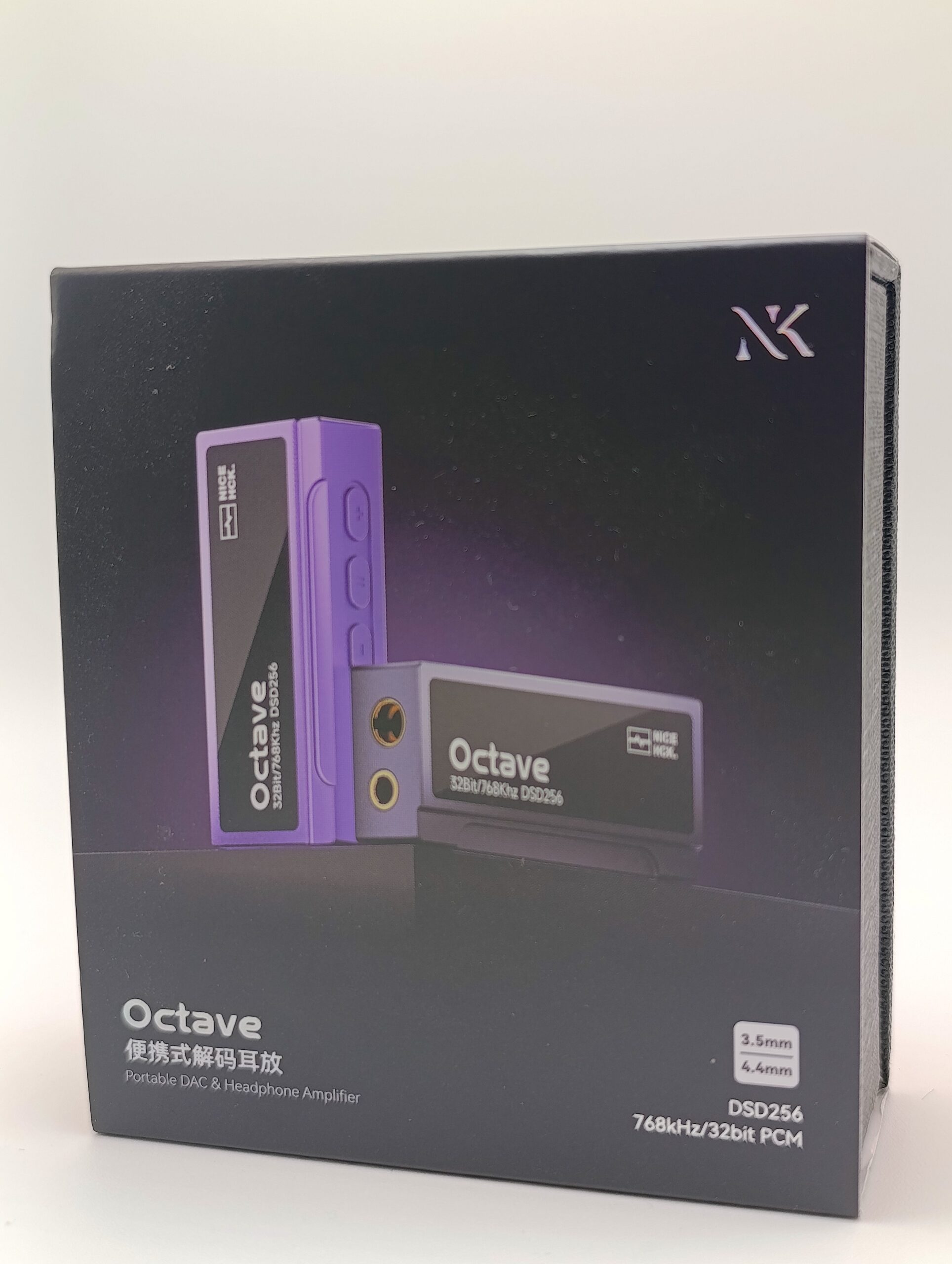
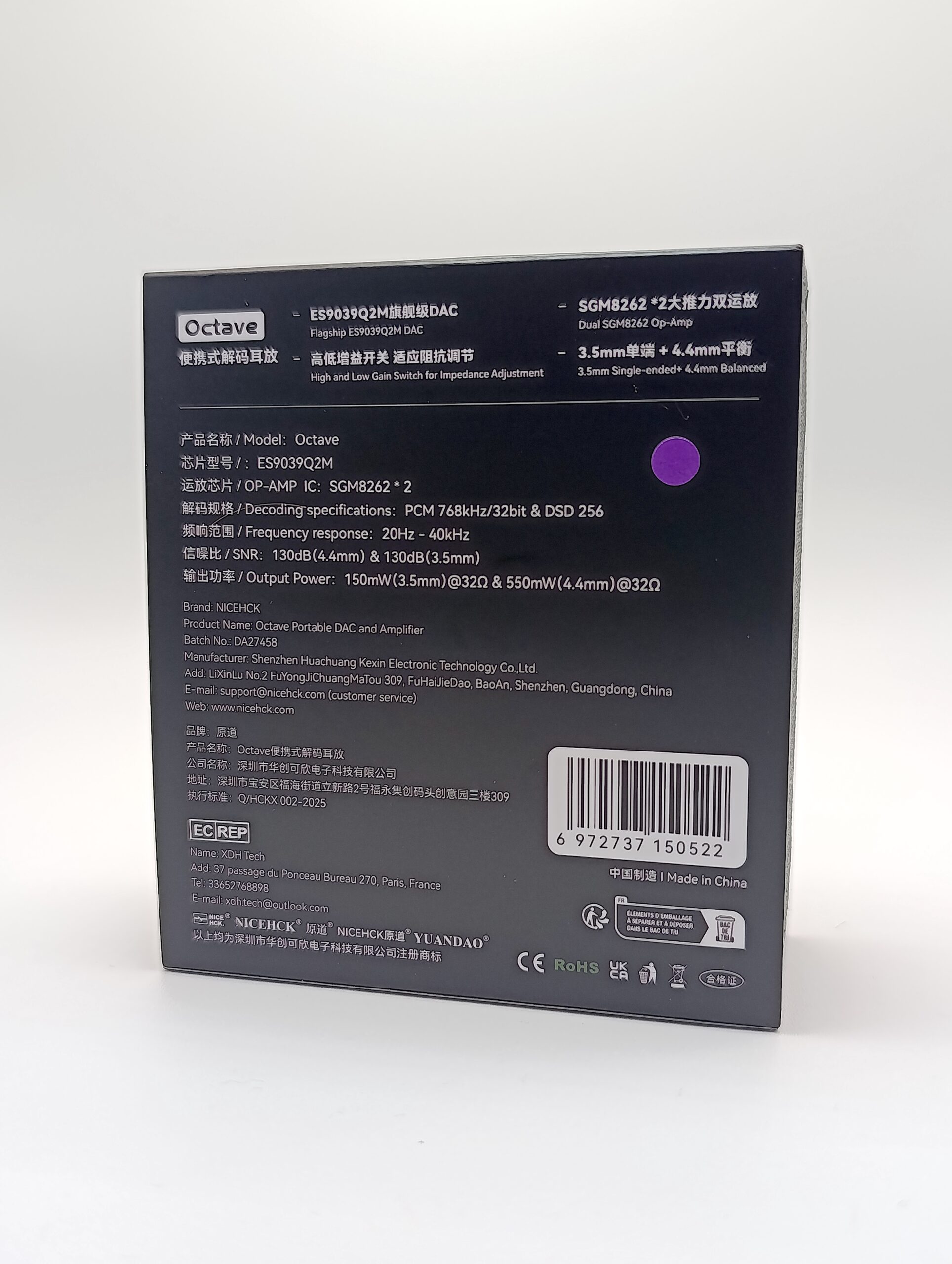
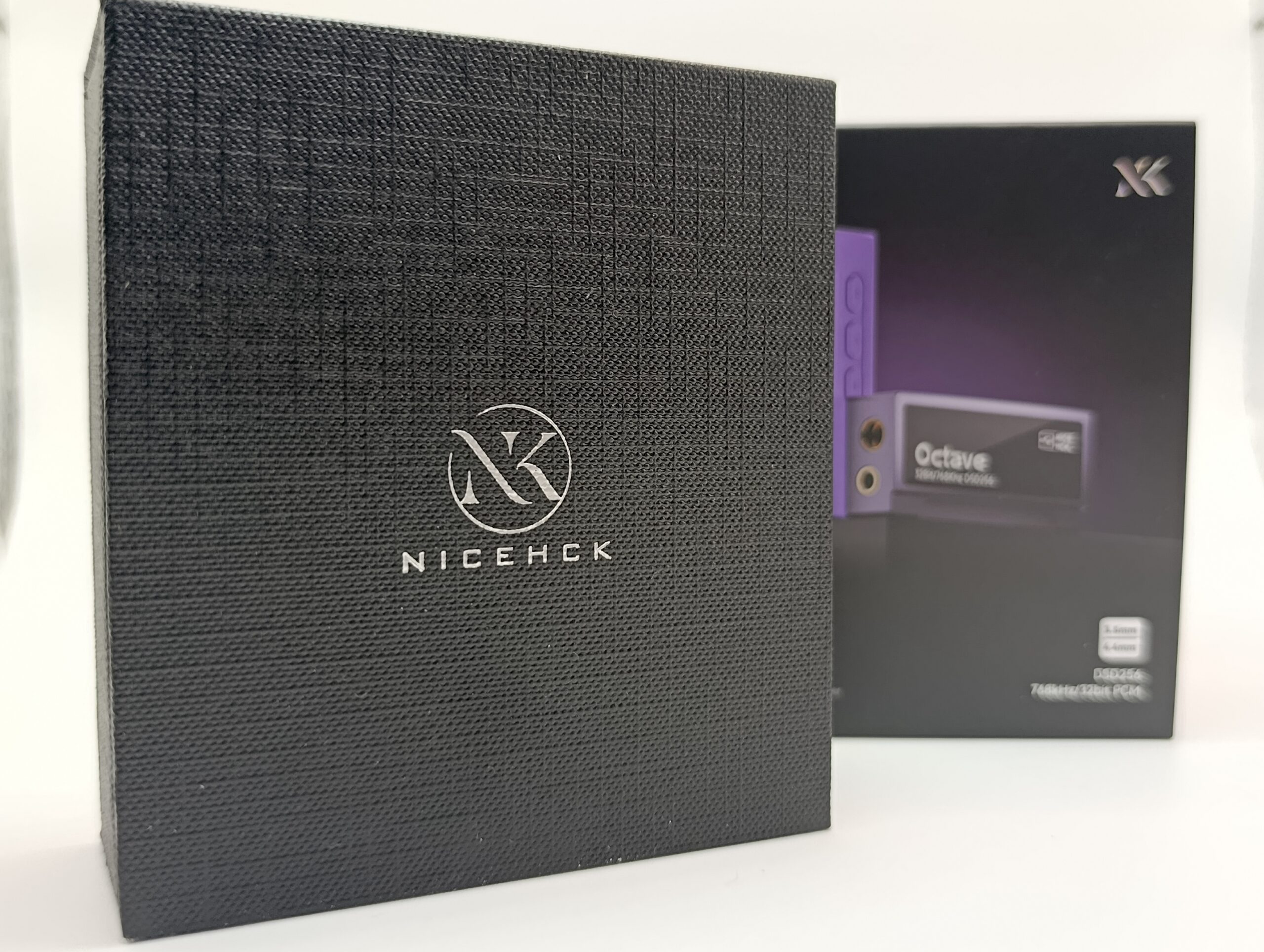
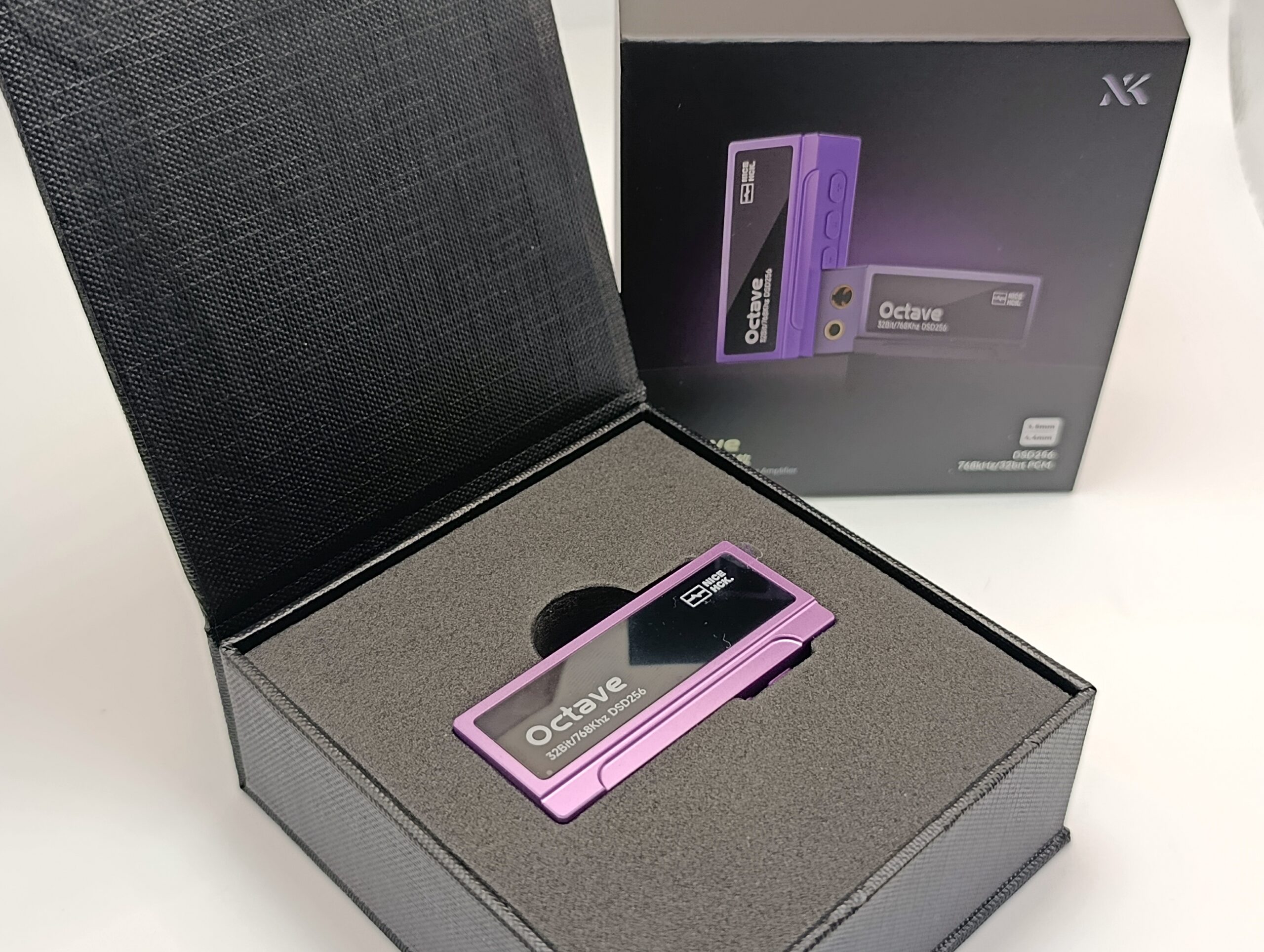
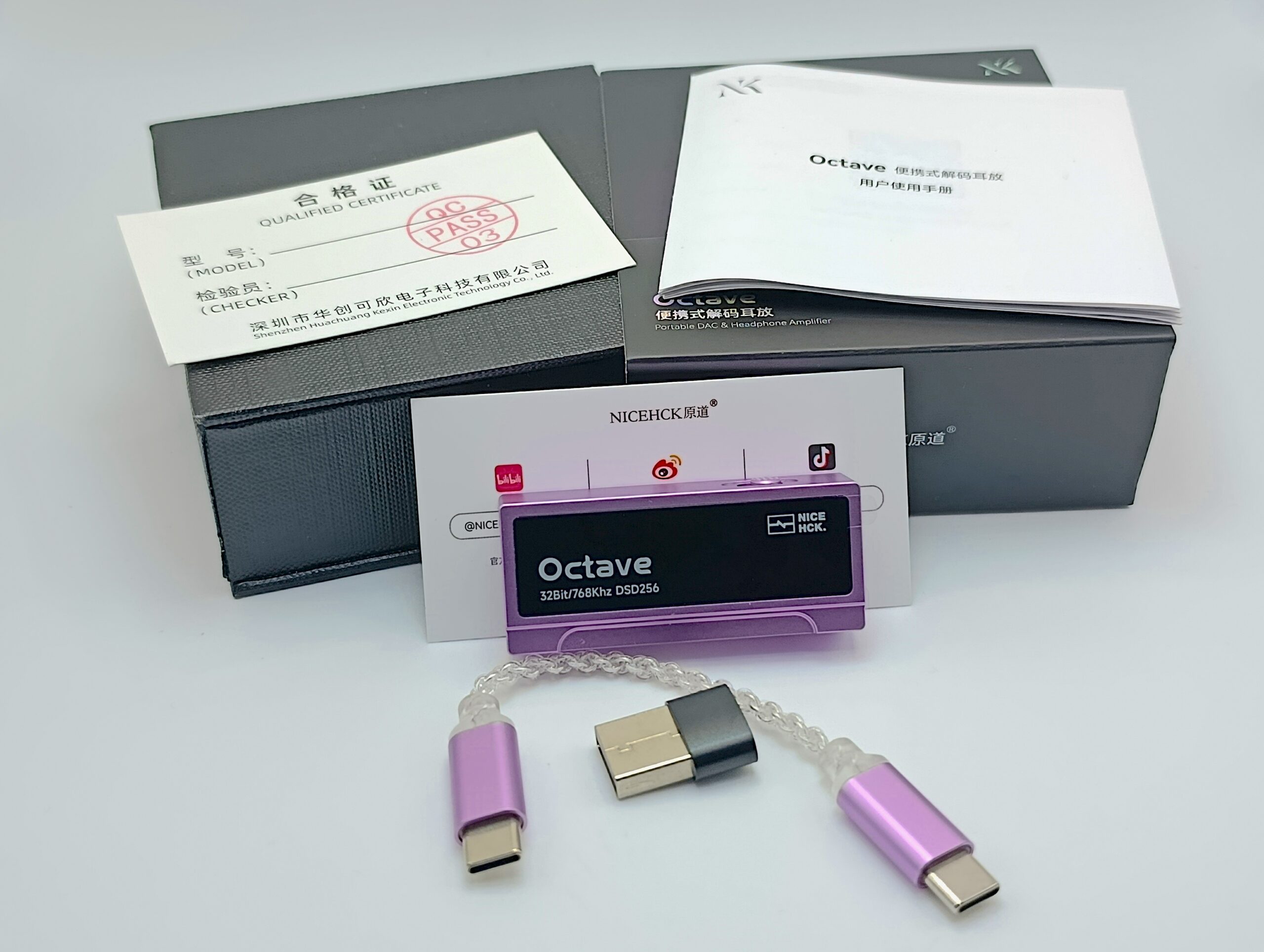
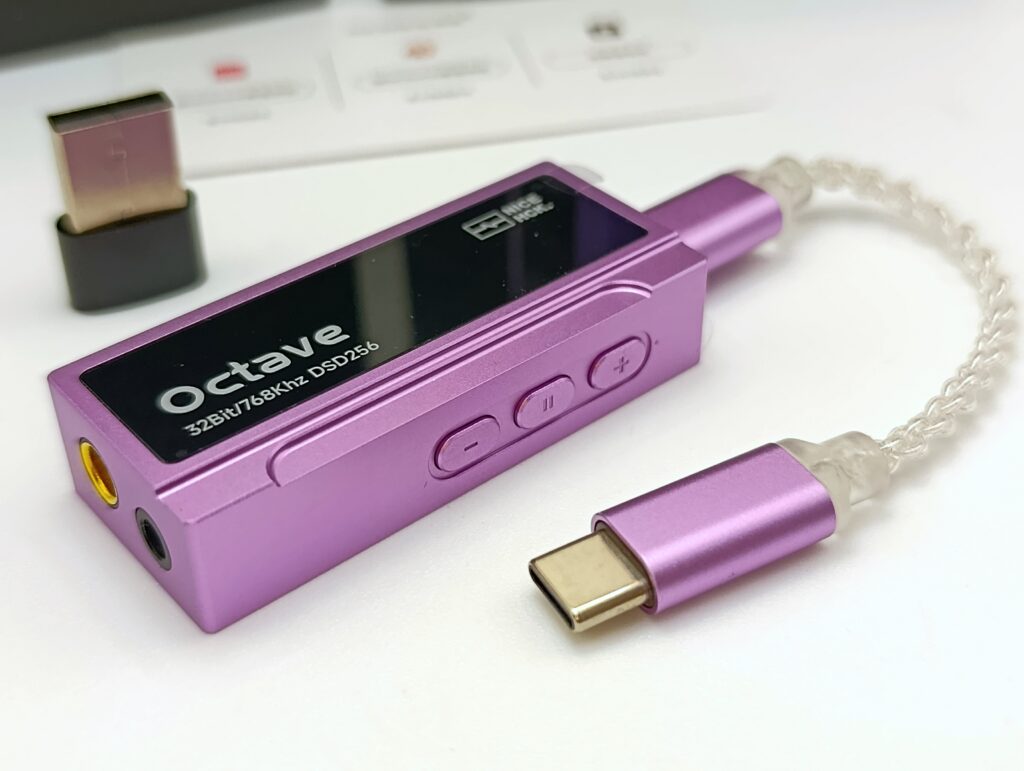
The Nicehck Octave comes in a really nice package, and it shows attention to small details, including a truly unique feature. The included cable is the same color as the dongle.
In the box you’ll find:
- Type-C to Type-C cable of the same color
- Type-C to USB adapter
- Manuals and warranty
Build quality:
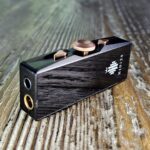
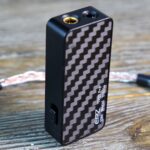
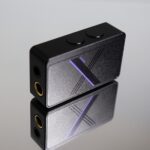
As soon as I opened my new purple Nicehck Octave, I smiled, but touching it made me feel like I was holding my iBasso DC04 PRO. The build quality is very similar, a solid and well-made dongle that’s still simple to use without too many buttons, just the essentials.
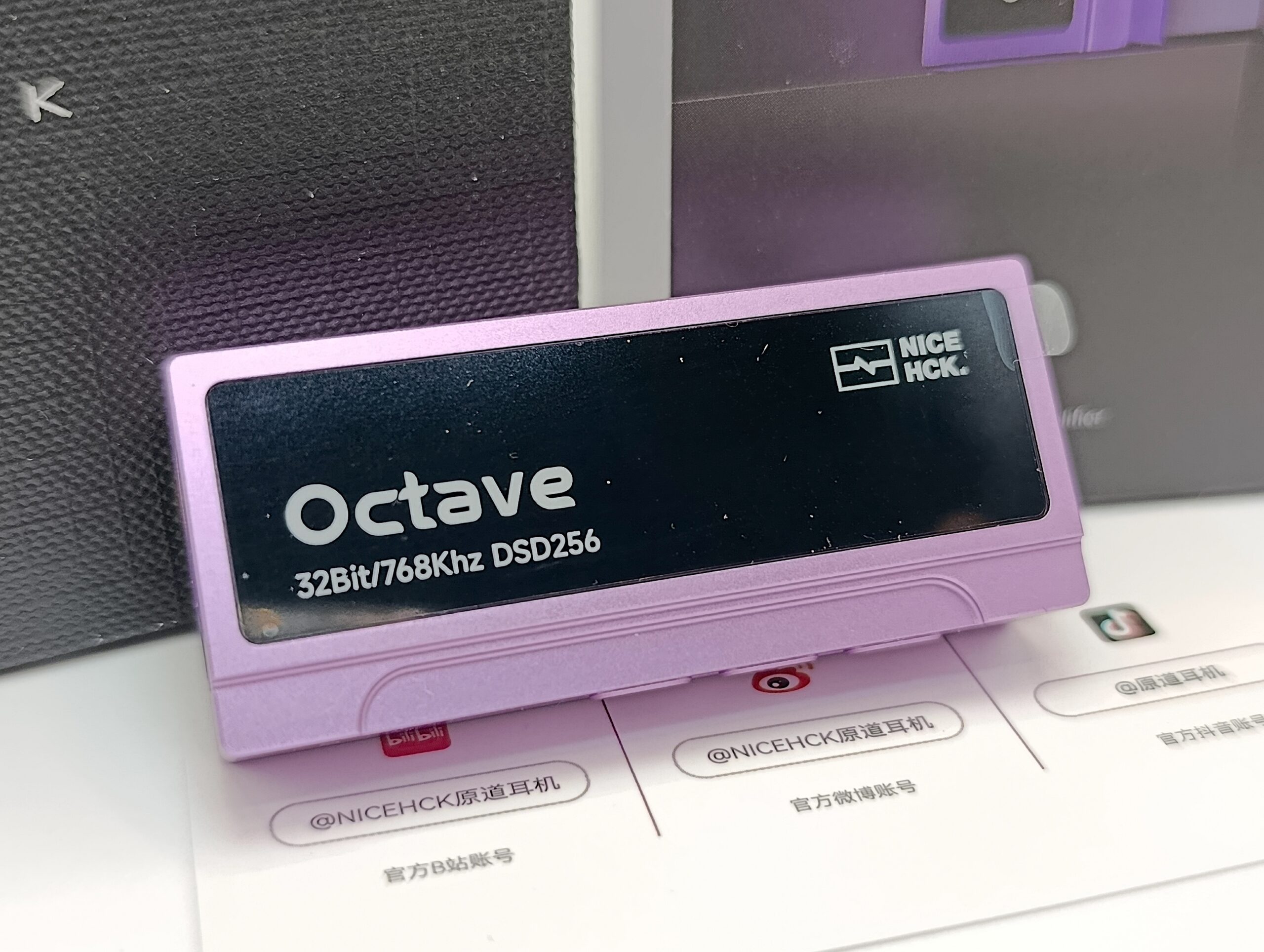
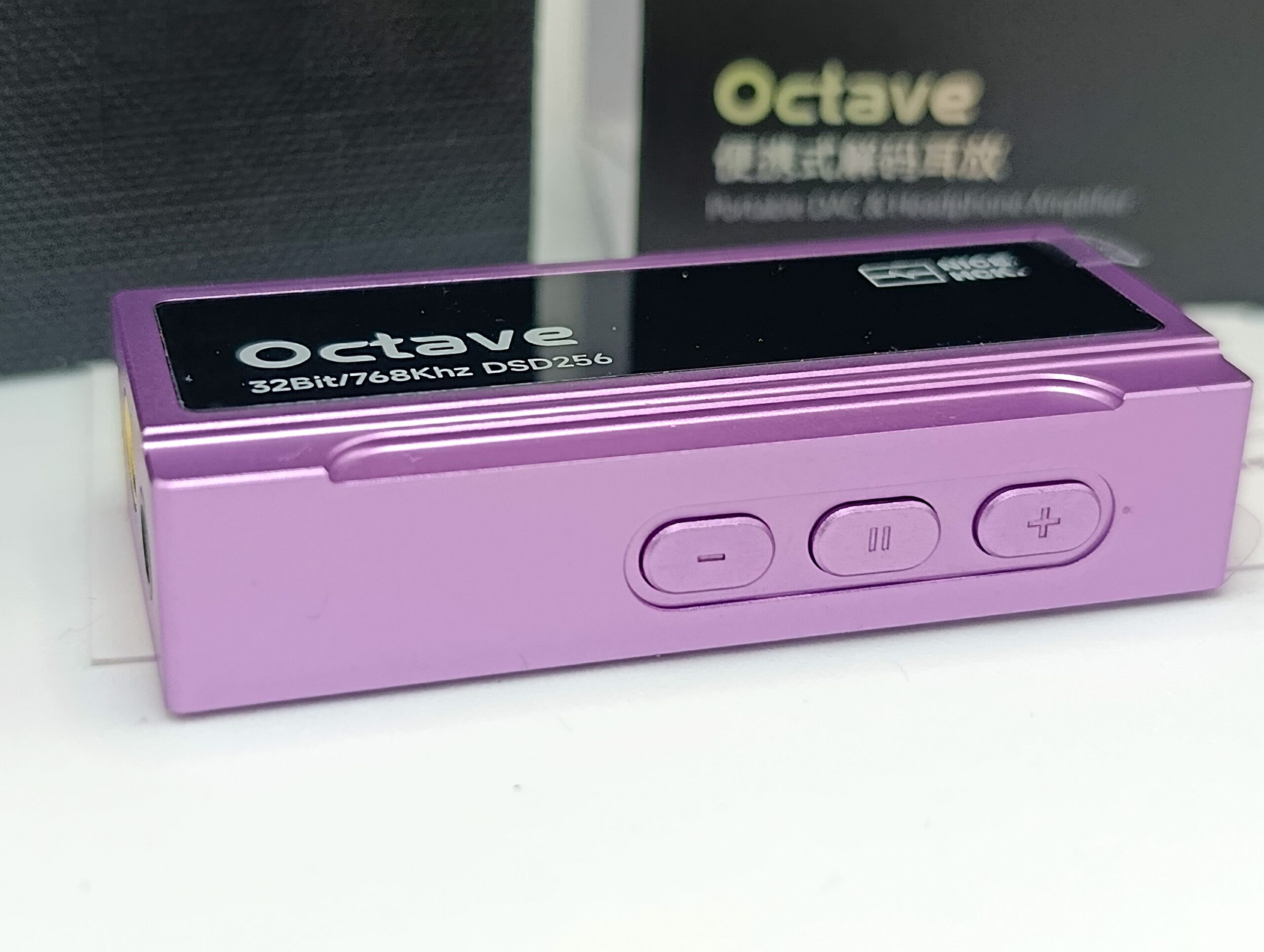
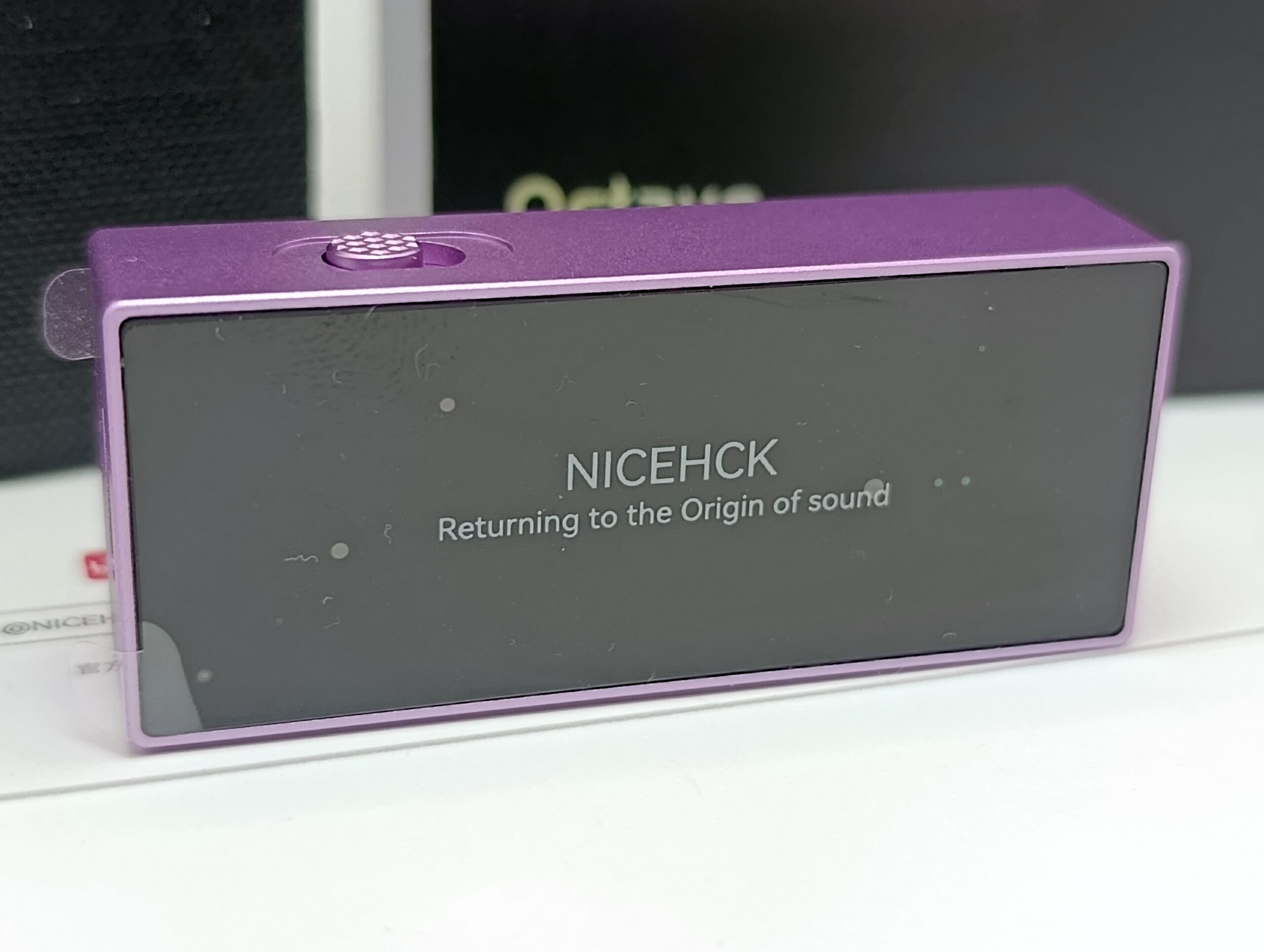
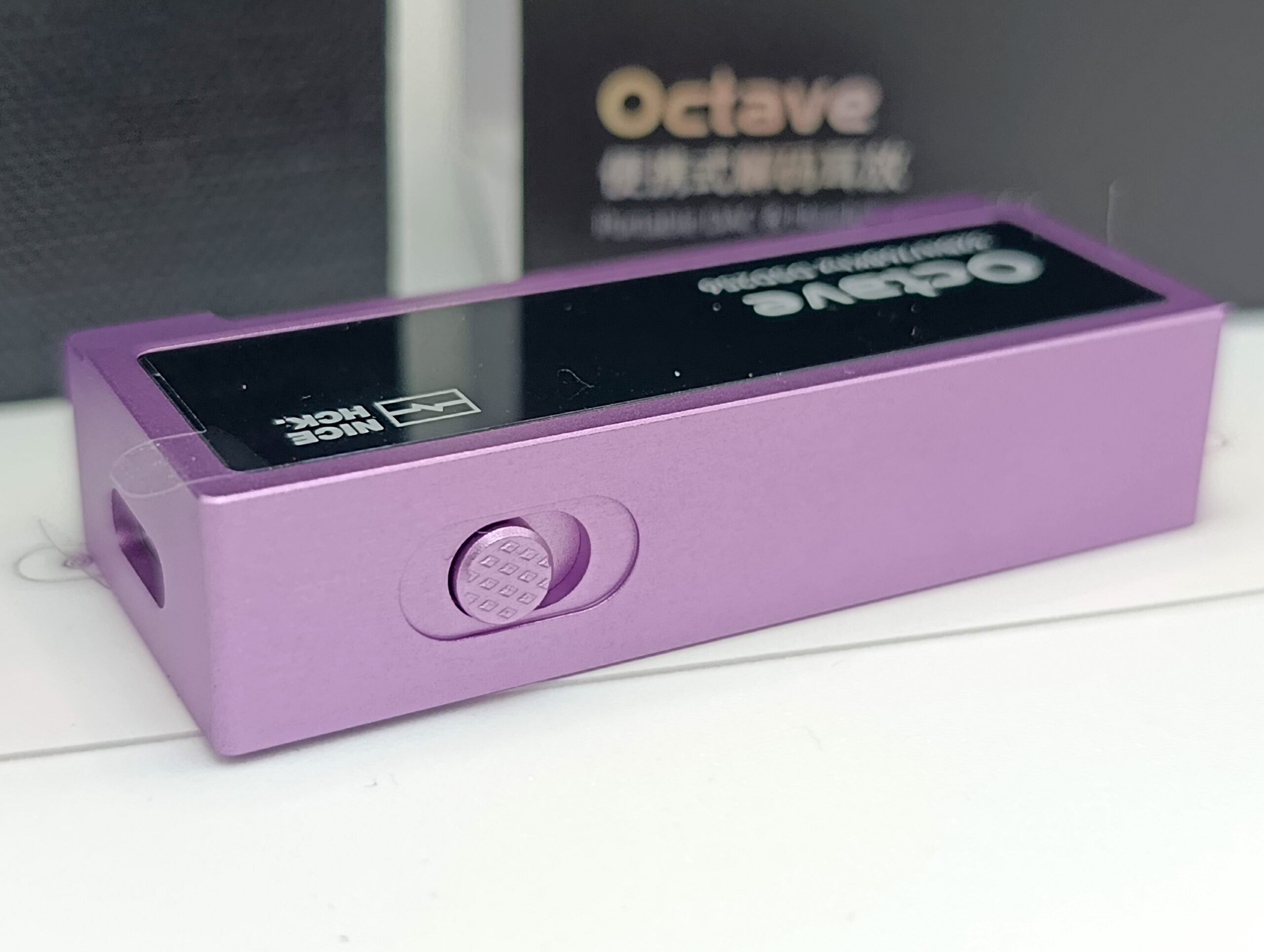
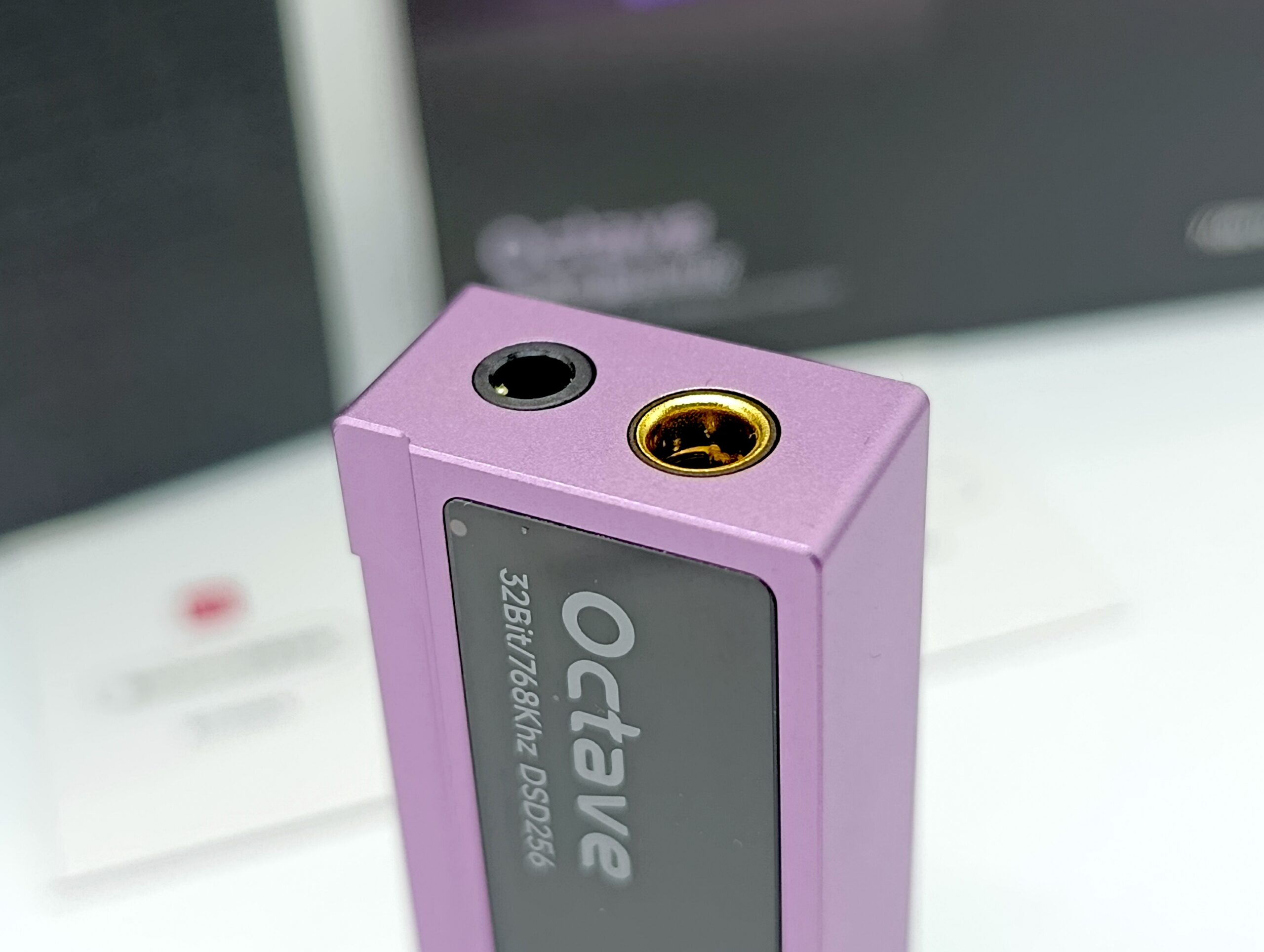
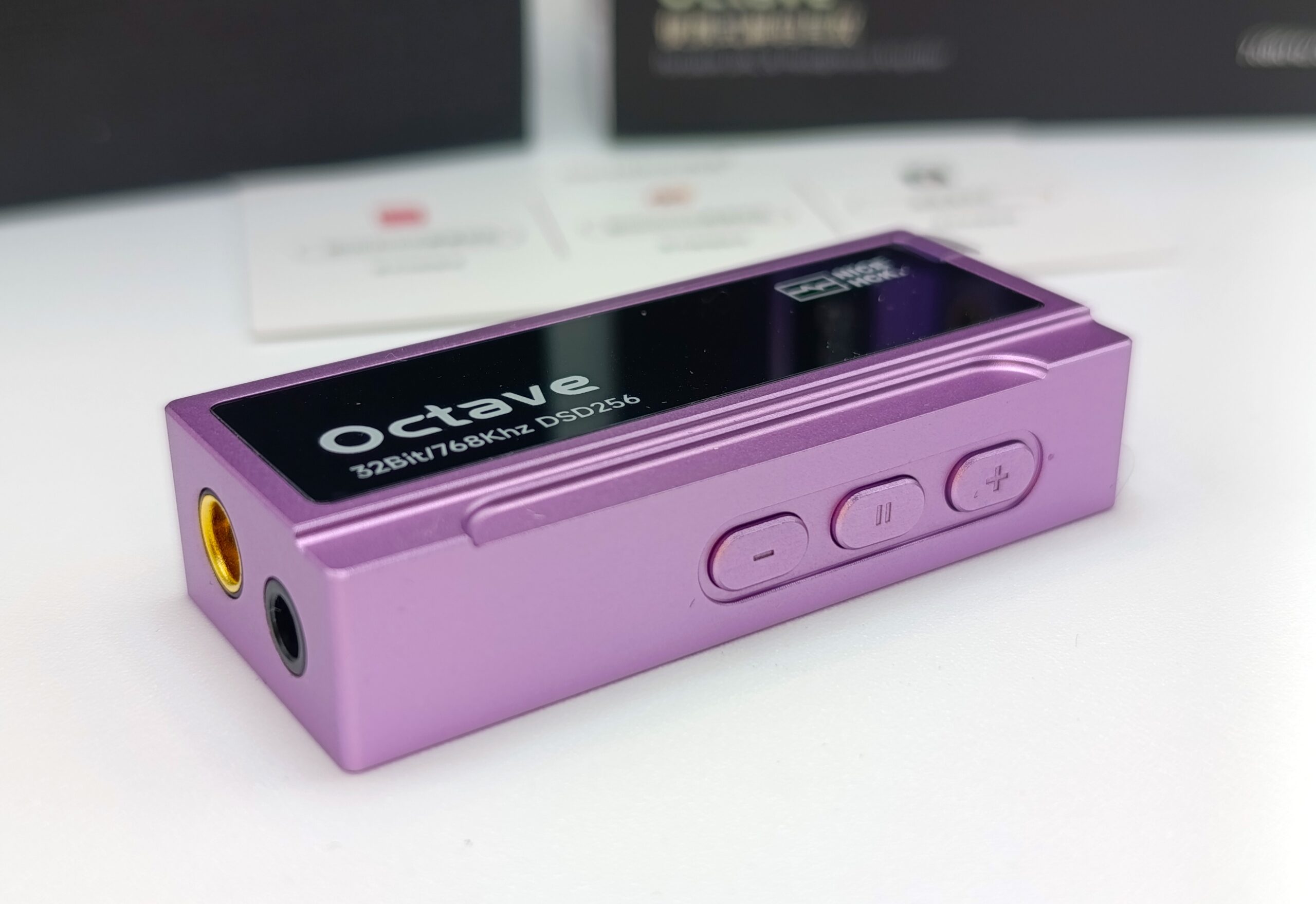
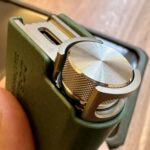
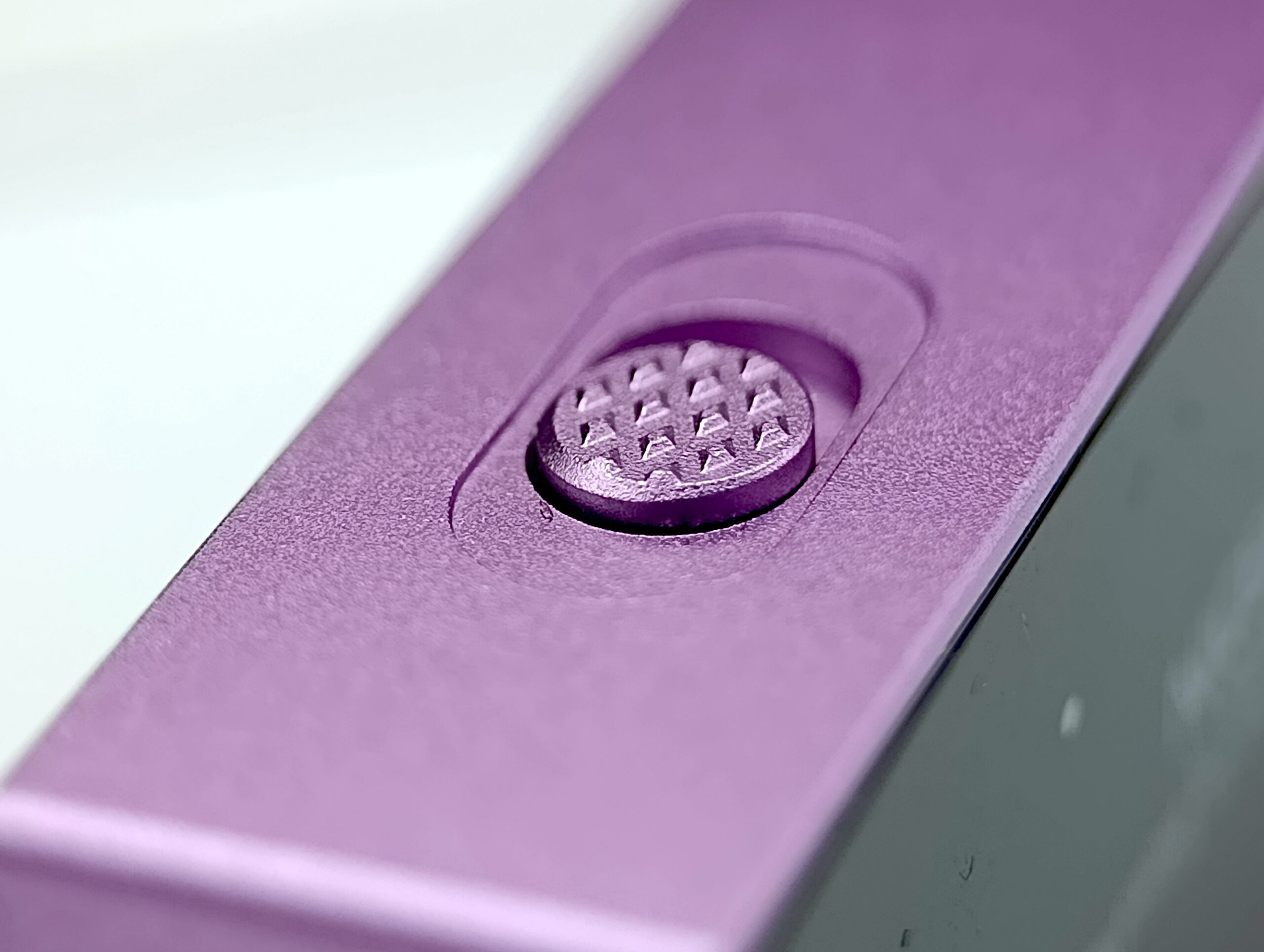
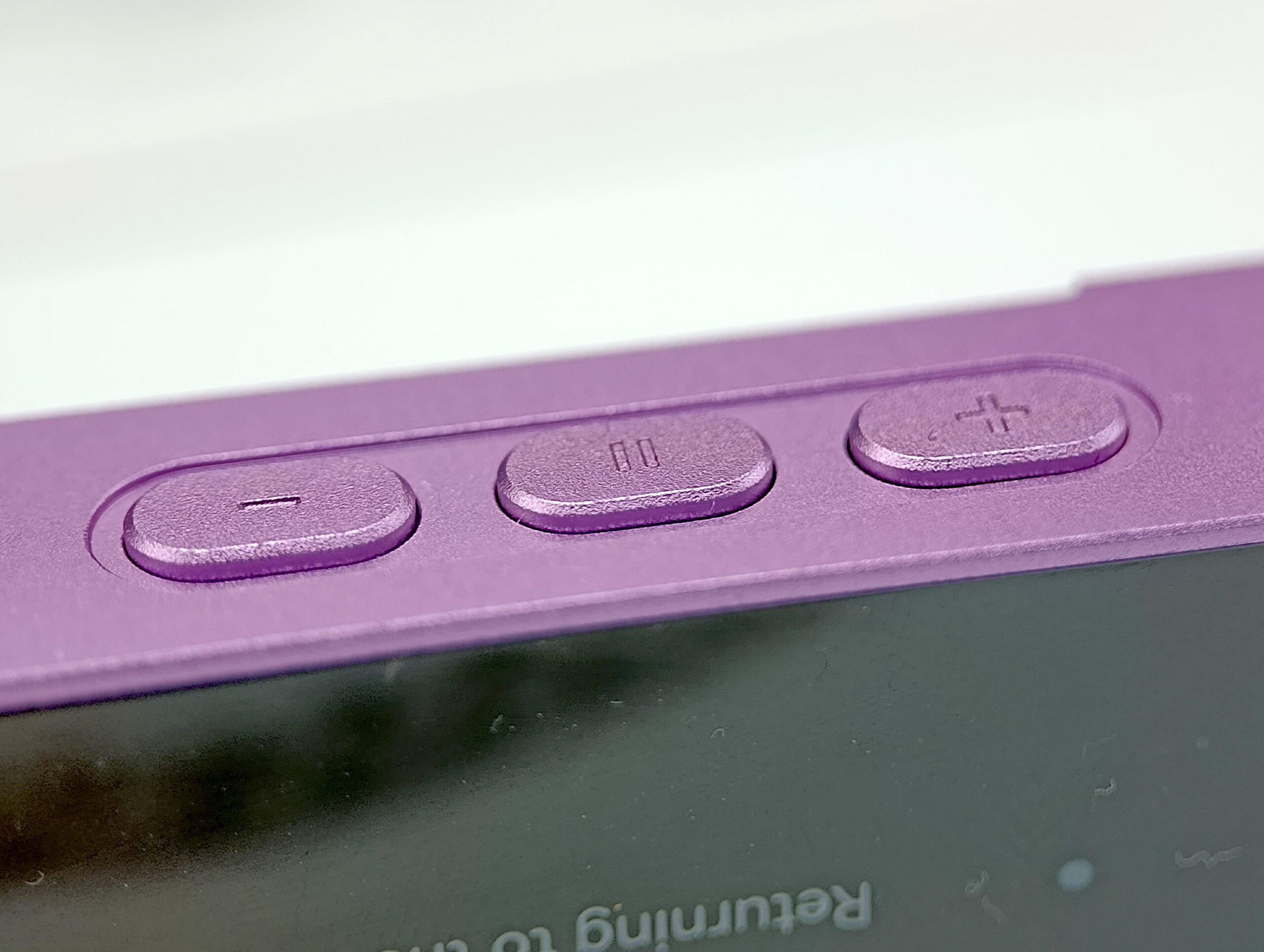
Surely some people would have wanted a screen, and indeed a later or “PRO” version wouldn’t be bad with a small OLED screen. On the front are the two outputs, on one side is the gain switch, and on the other are the volume and play/pause buttons.
The central play/pause button also works to change tracks based on the number of quick presses.
The overall build quality is very high, and considering the hardware configuration, I don’t find it all that expensive.
Power:
We finally have a successor to the new Fosi Audio DS2, which I gifted to a dear friend to drive Simgot EP5s at their best.
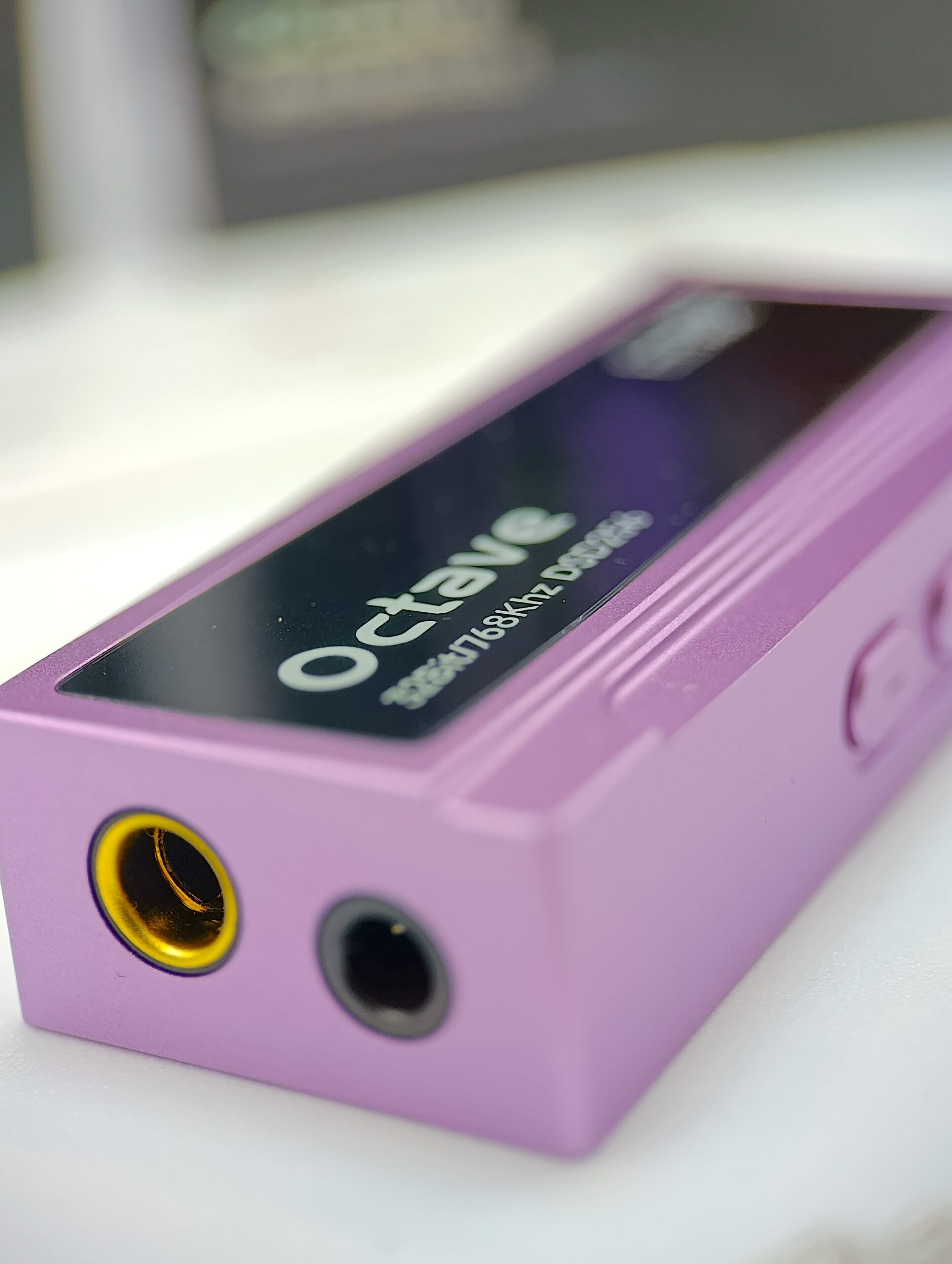
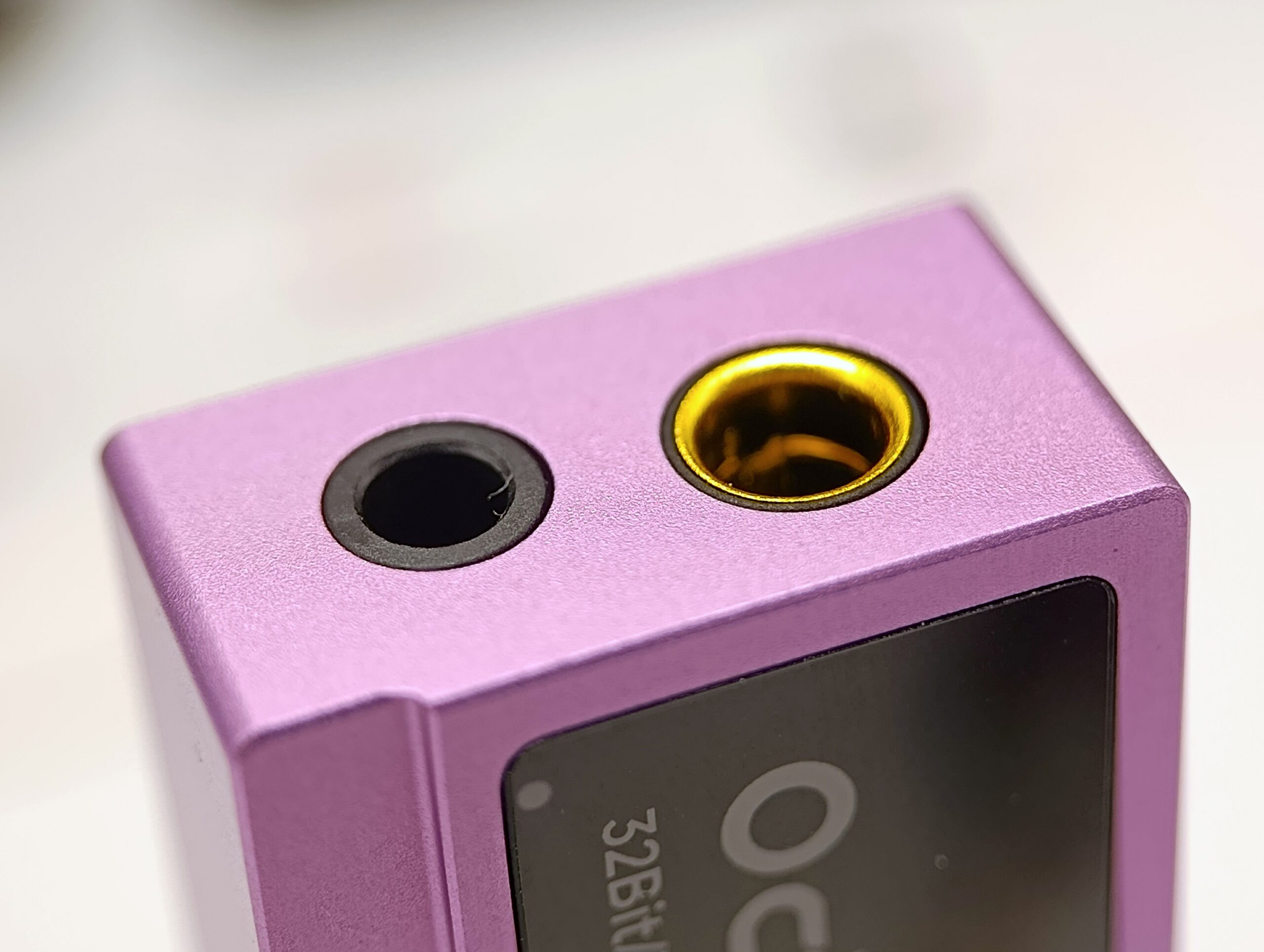
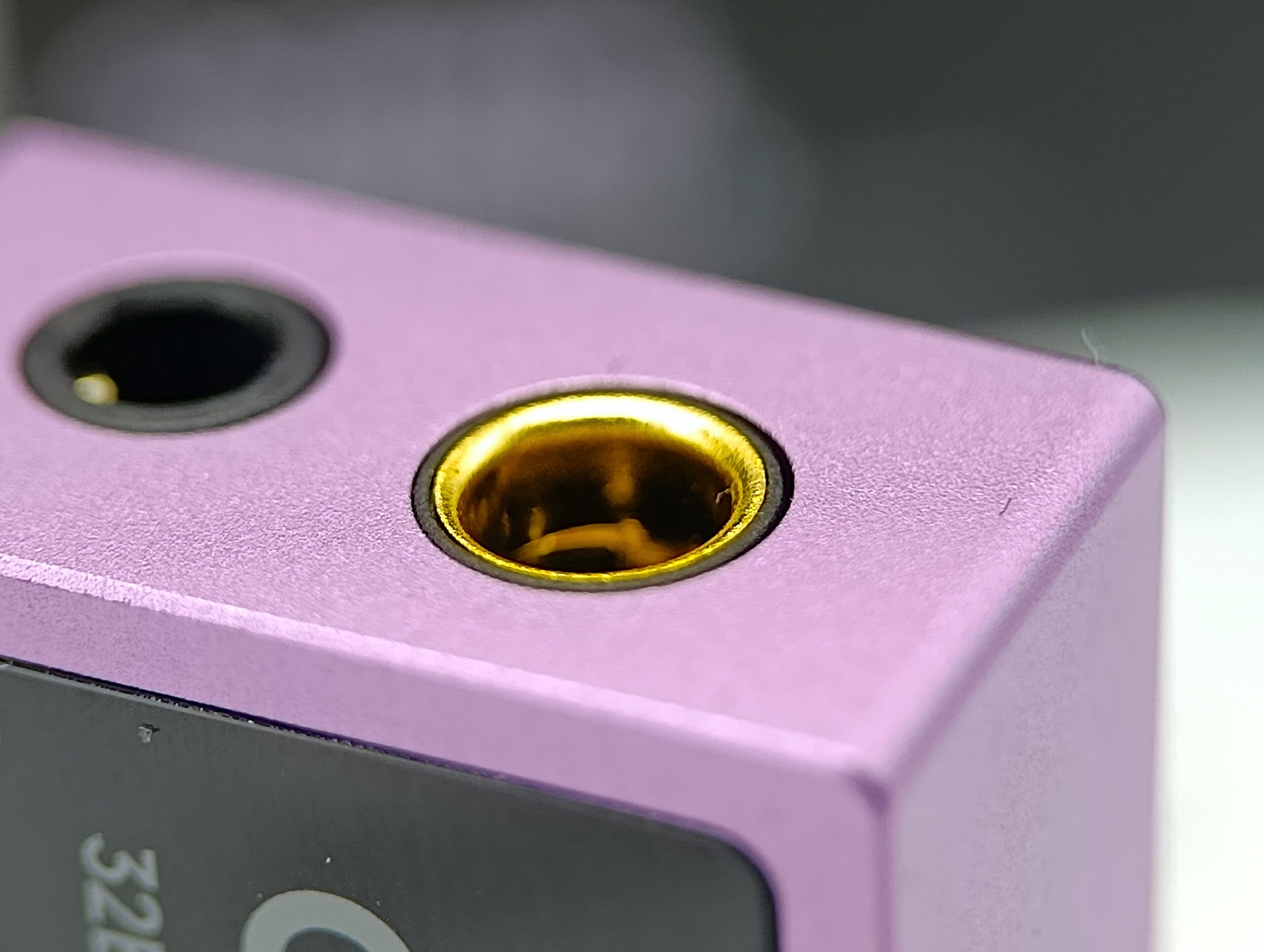
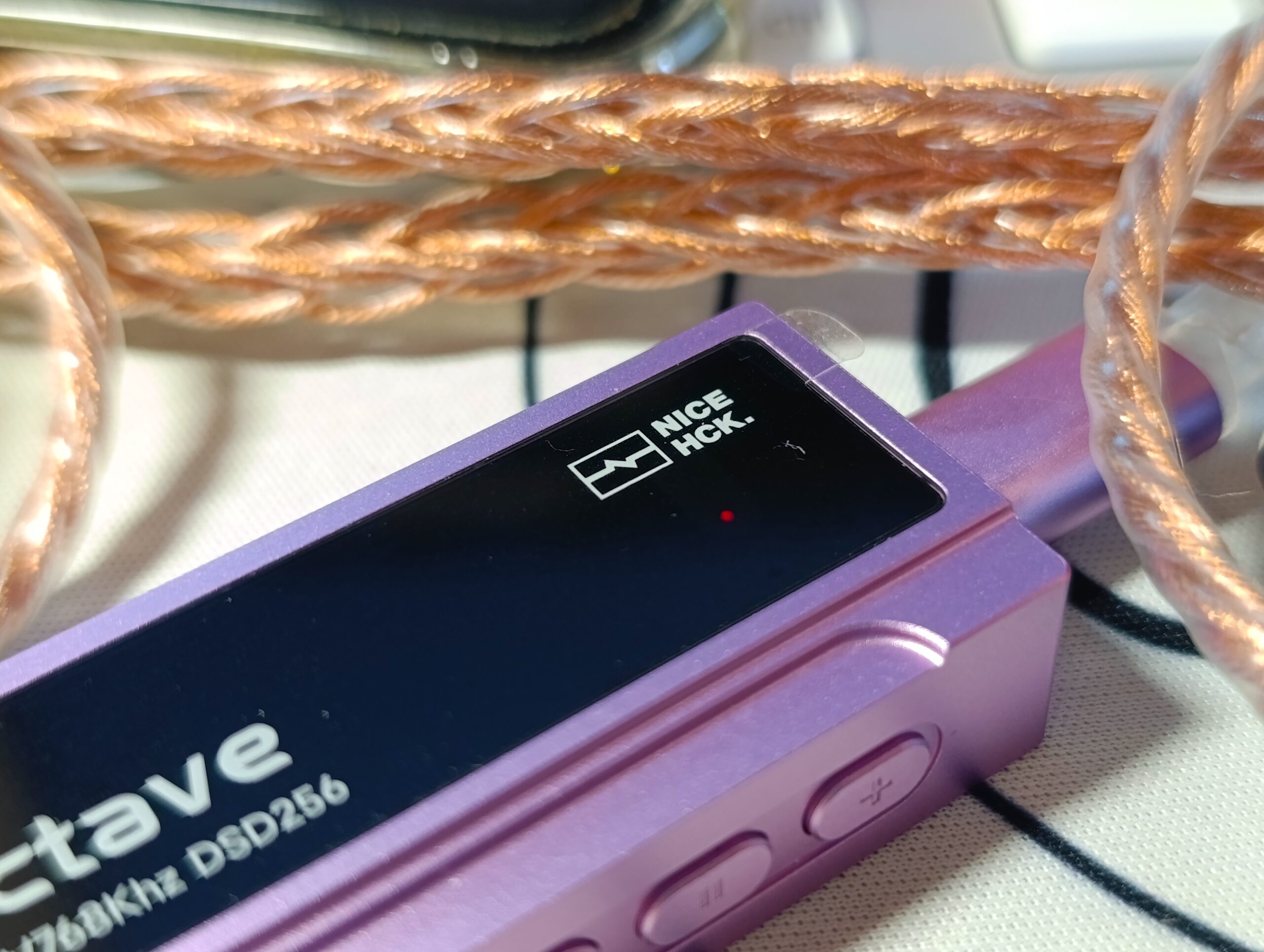
This one goes head-to-head with the Fosi DS2 2024, another extremely affordable, capable, and powerful dongle. In terms of power, the Nicehck Octave has a bit more muscle, thanks to the presence of two SGM8262 OP-AMPs paired with an ES9039Q2M. The configuration is very respectable and delivers interesting values, especially on the balanced output. At 32 ohms, we have 150 mW on 3.5 mm / 550 mW on 4.4 mm, which are interesting values. We’re not dealing with a Fiio KA17, but it’s still a very versatile and powerful product, capable of driving 80% of the IEMs and headphones on the market.
Sound Signature:
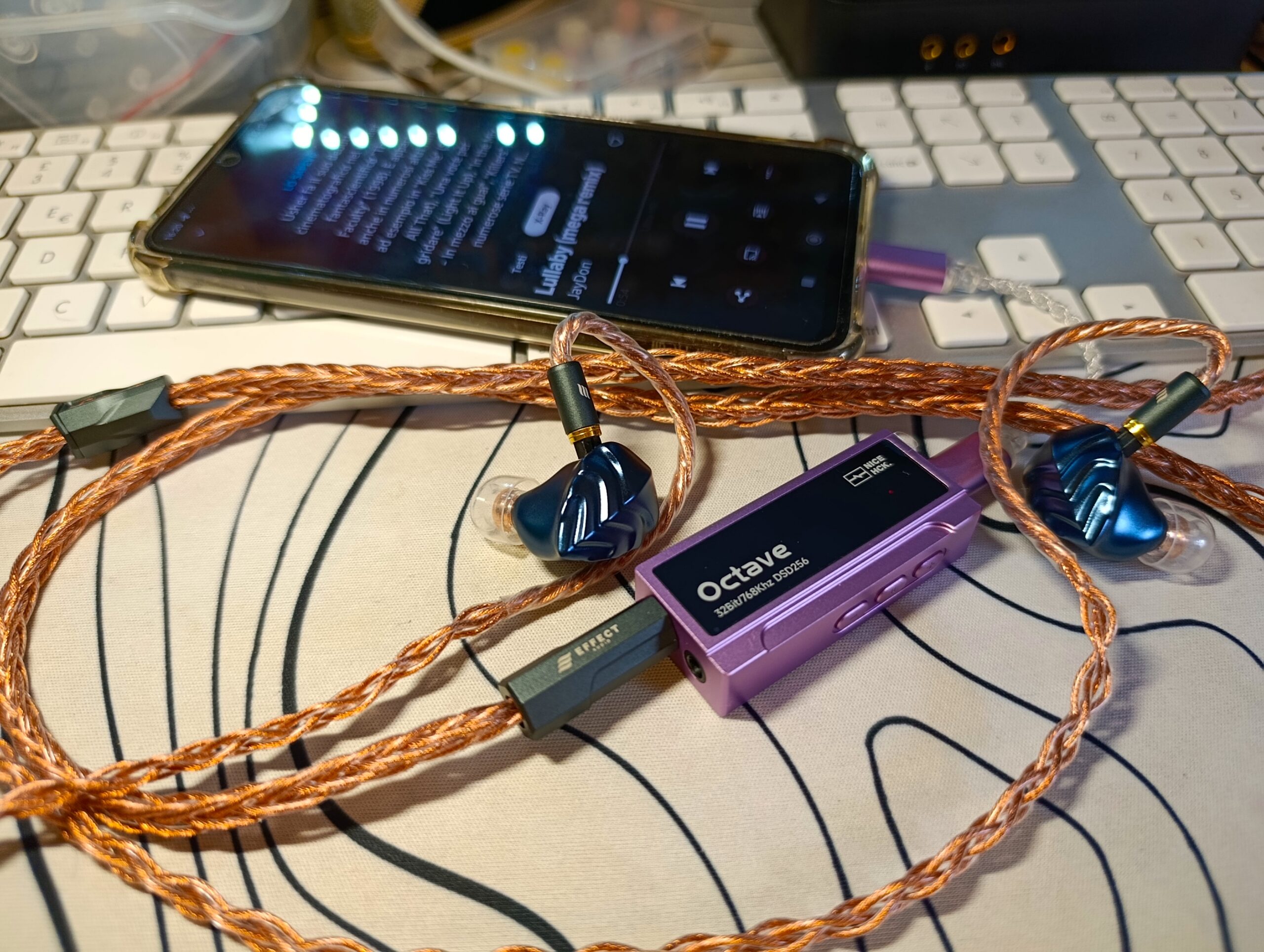
The Nicehck Octave has a neutral, completely colorless sound signature. It seems to add treble, but I think that’s simply the nature of being an unfiltered dongle. It’s very reminiscent of bass, but lately everyone’s been aiming for that neutrality; even the Cirrus Logics, famous for being slightly warm, have become much more neutral. Being neutral for a dongle/DAC is a huge advantage in my opinion, but there’s a promising app where you can tweak the sound to your liking.
Nicehck App:
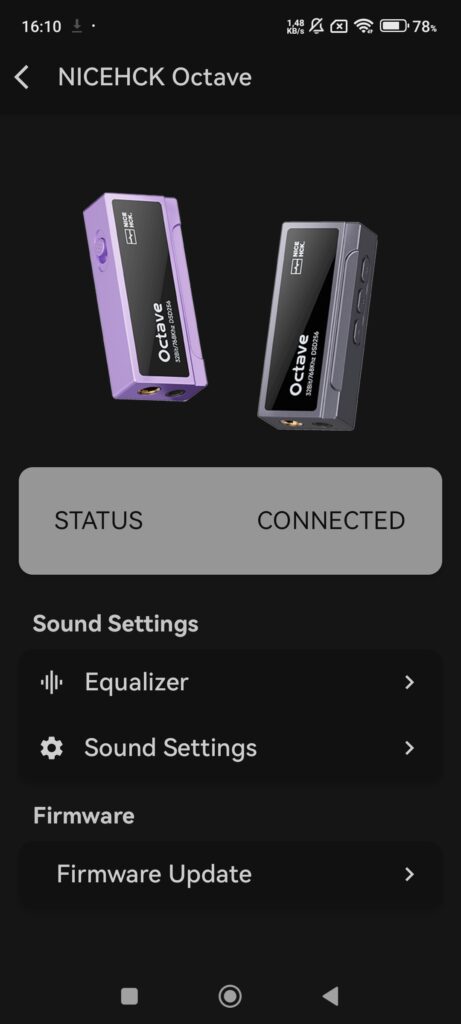
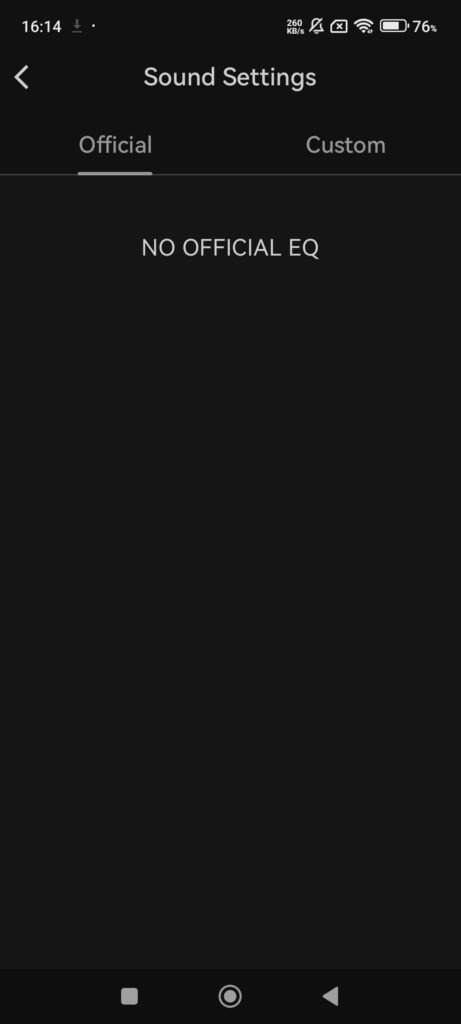
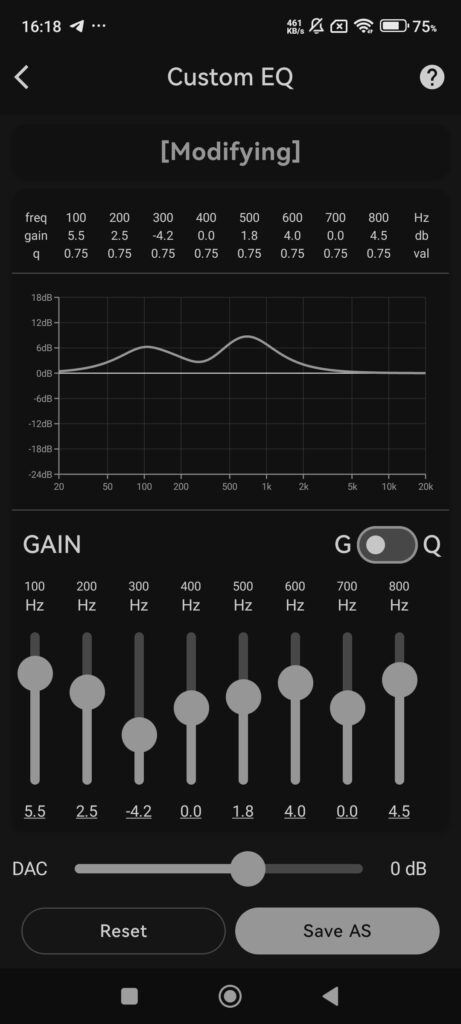
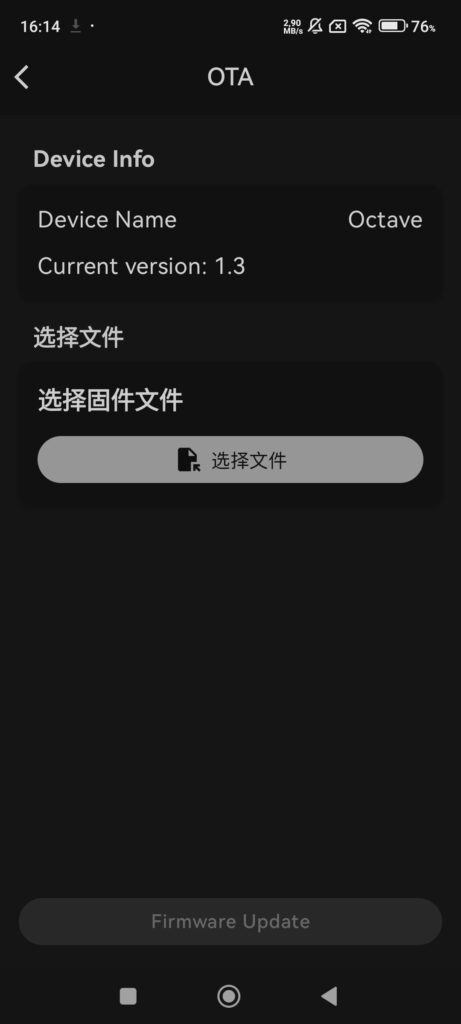
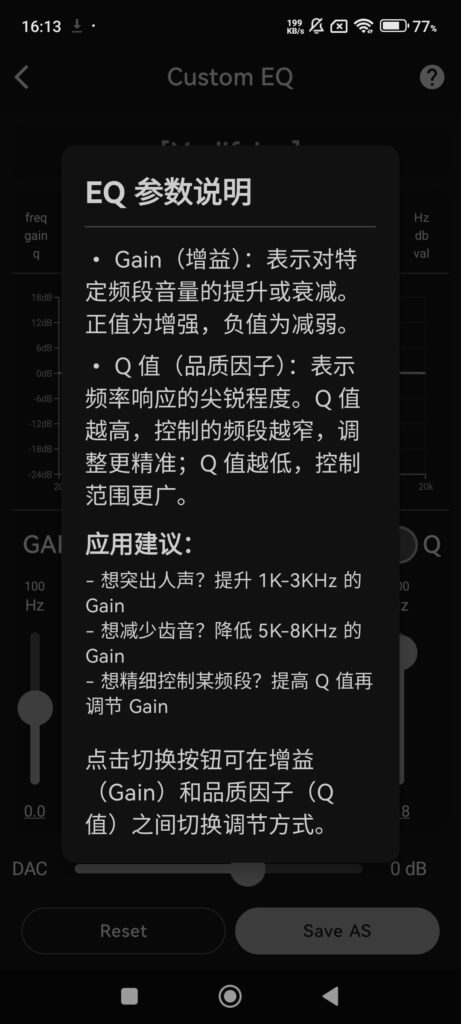
The most interesting surprise comes from the dedicated app for managing the 10-band PEQ, which I have to say is visually very well done compared to many apps I’ve seen. The customization is extensive, so you can adjust it to your liking. I wasn’t expecting such a well-made app from this brand, but I was surprised.
There’s still some translation work to do, but since it’s a fairly new app, I expect updates will arrive sooner or later. It wouldn’t be a bad idea to be able to update the dongle directly from your phone, either.
I’m still surprised at how well the equalizer works.
Firmware updates are available on the official site, but they must be done from a Windows PC. I haven’t encountered any issues that would motivate me to update so far. The dongle works perfectly with my Mac, as well as my Redmi.
Note: You can download the latest firmware updates here: https://nicehck.com/pages/download
1.5 Update:
- Added hardware volume memory feature
- Refactored underlying volume logic
- Fixed the issue of no sound when switching from high gain to low gain
- Fixed volume adjustment discontinuity on iOS devices
- Fixed volume adjustment discontinuity on PC
Fast Comparison:
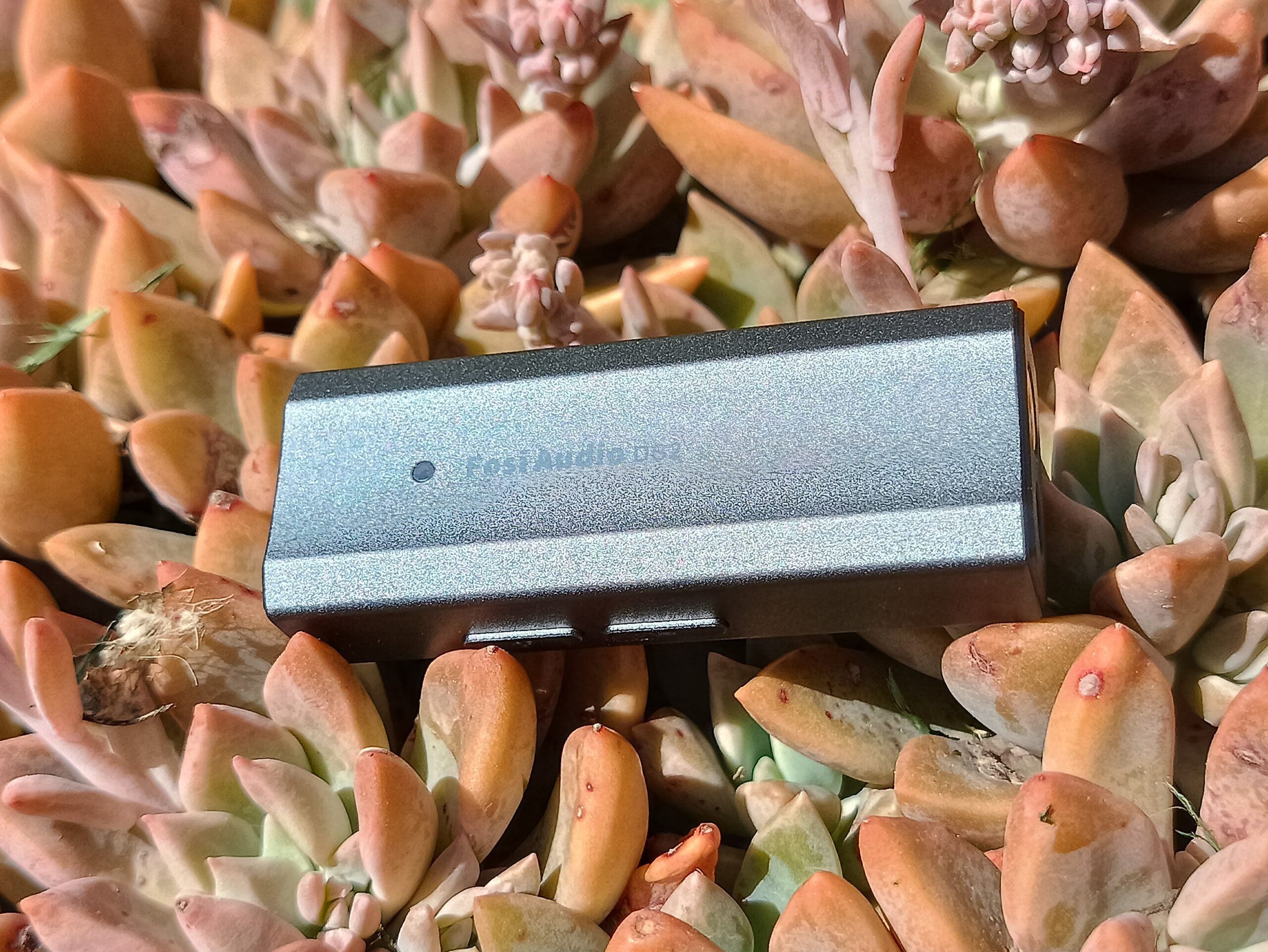
I think this is the premium option. If you’re on a tight budget, there’s the Fosi, otherwise this Nicehck Octave is a slightly more capable version. It has more features and, most importantly, a dedicated app, which already has a development cost. So I think it depends on the end user, but Octave is obviously more complete and sounds even more analytical and neutral.
Who do I recommend this DAC to?
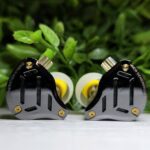
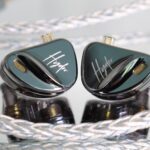
There are so many models on the market these days, and innovation has slowed down lately, but the Nicehck is still a great product for the price. The chip and the two op-amps certainly work very well, and I can assure you that the sound pressure levels are truly high. I used the Hidizs MK12s for almost the entire review due to their extremely capable driver, and I can assure you that the Nicehck Octave brings them to unbelievable volumes with extreme ease. At not even 20% volume, we’re already below what I consider low volume. The app works well and is a nice addition for those looking for a similar product, and in my opinion, the price is relatively very good, but the product is still new, so it will certainly see price drops in the future. Usually, with various coupons on AliExpress, you can easily get them down to around $70.
8.7/10
Pros:
- Build Quality
- Metal body
- Quite Compact
- Neutral – analytical
- Nicehck App 10 band PEQ
- Gain switch
- Independent volume + many volume steps
- Runs slightly warm, also on heavy load
Cons:
- No display
- Really neutral, not suitable for already bright sets
- App isn’t completely translated yet
- Needs a Windows PC for the firmware update
More information:



No Comment! Be the first one.